View, add and delete contacts
The Contacts overview lets you manage all your business and private contacts. You can search for, add and delete contacts.
Search for a contact
Go to Contacts;
- Type a name or email address in the search field.
The list is filtered instantly based on your search term.
Add a new contact
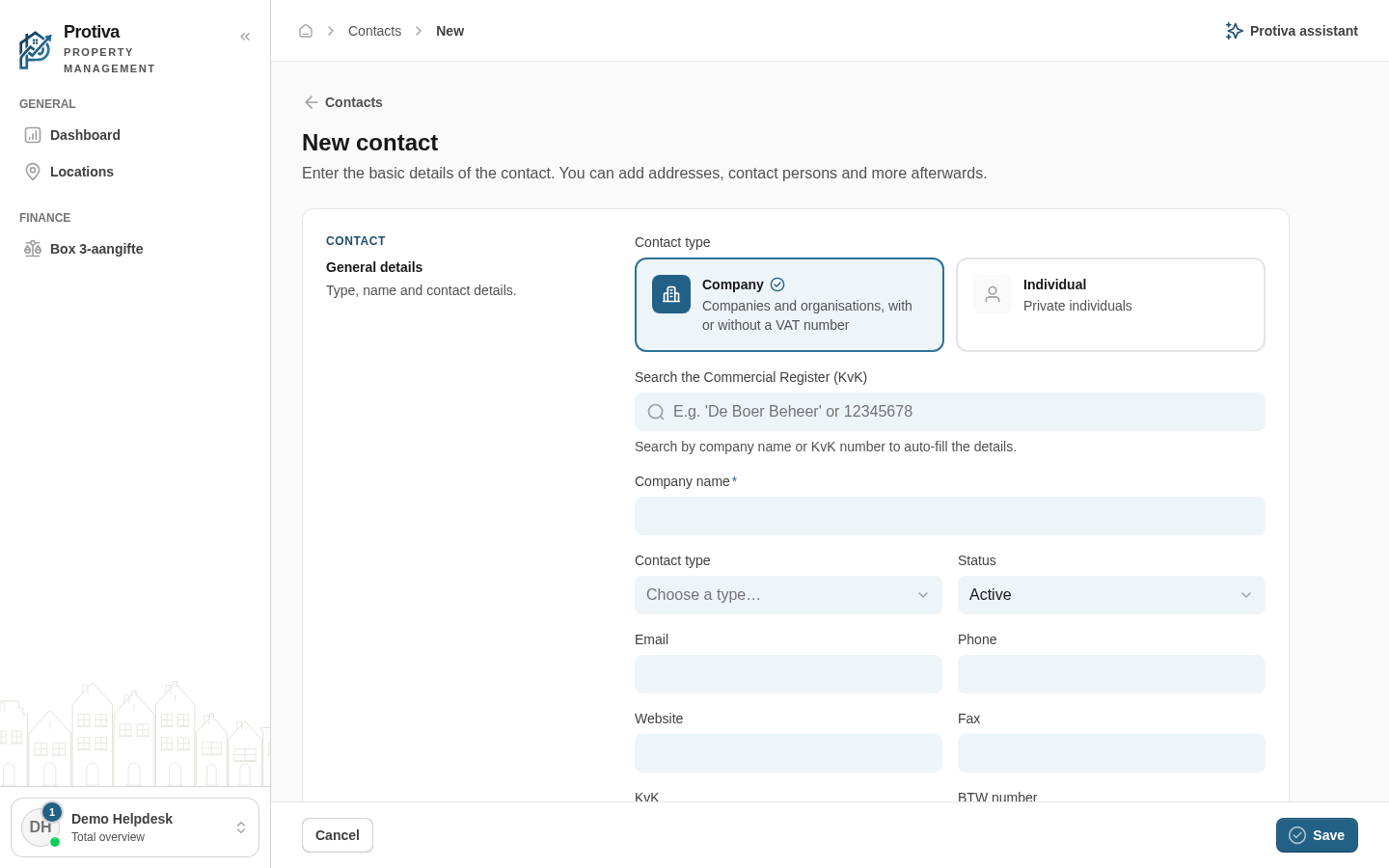
- Click New contact;
- Choose the contact type: Company or Individual;
- Fill in the required details and click Save.
After saving you can add addresses, contact persons and documents on the contact page.
Delete a contact
- Click the contact you want to delete;
- Click the three-dot menu in the top right;
- Click Delete;
- Confirm the deletion by clicking Delete again.