Send a reminder for a single invoice
Manually send a reminder or demand for a single outstanding invoice. The reminder follows the stage the invoice has reached on the dunning ladder.
Send a reminder from the invoice panel
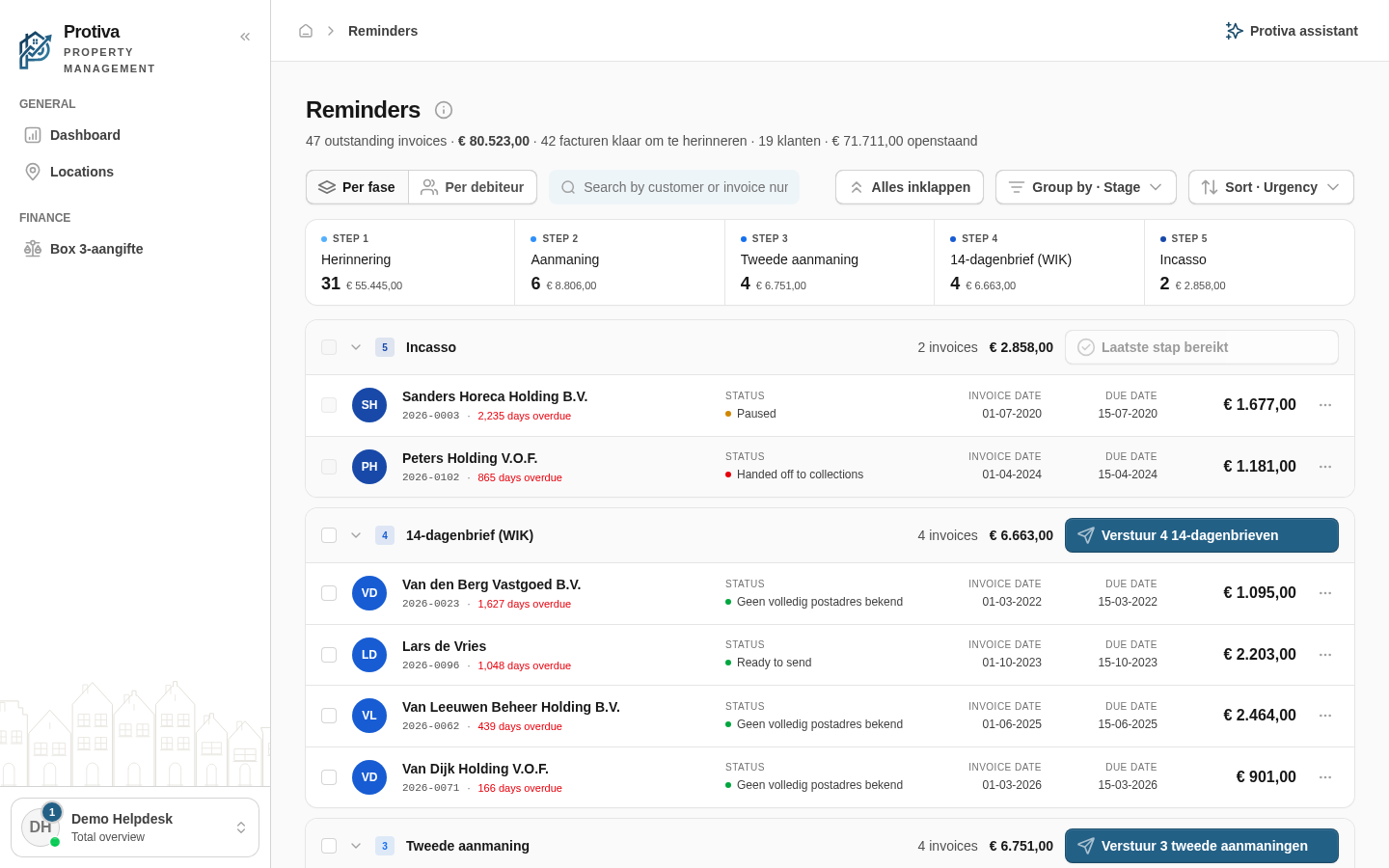
Go to Reminders;
- Click the invoice row you want to send a reminder for to open the detail panel;
- Review the status, outstanding amount and current stage in the panel;
- Click the send button at the bottom of the panel (for example Send reminder, Send formal demand or Send second demand — depending on the stage).
The reminder is sent and the invoice advances to the next stage of the dunning ladder. If the debtor has multiple outstanding invoices that are due, they are automatically bundled into a single message.