Send a reminder by post when email is unavailable
When a debtor has no email address on file, you can send the reminder as a physical letter via the send dialog. Protiva automatically offers this fallback when the default channel is blocked but a postal address is available.
Switch a reminder to post
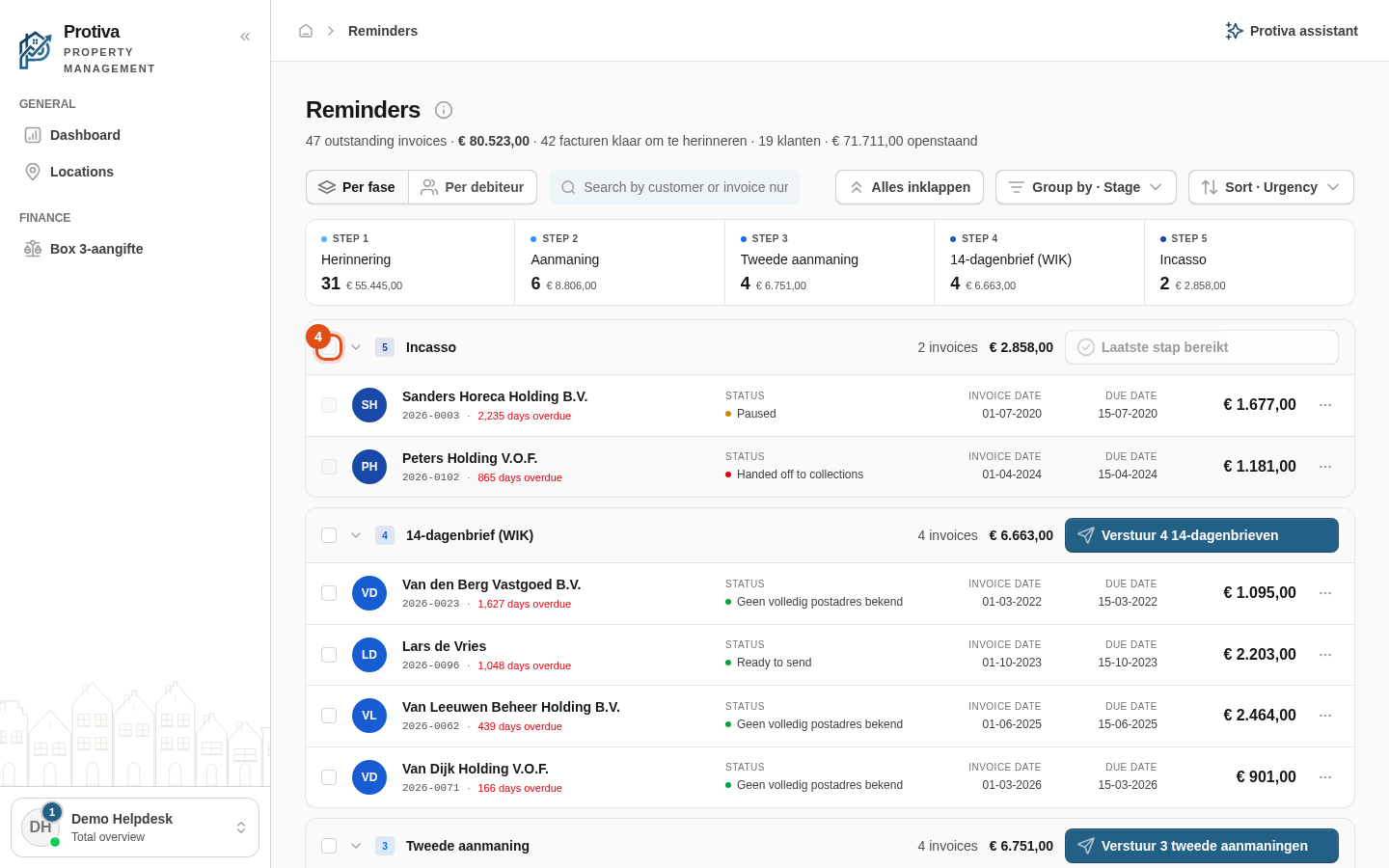
Go to Reminders;
- Send a reminder for a single invoice, a debtor or a selection — using the send button on the row, in the detail panel or via the bulk bar at the bottom of the screen;
- In the send dialog, Protiva shows the reason the channel is blocked (for example No email address known). Click Send by post to change the channel for that debtor to Post (Pingen);
- Verify that the channel now shows Post (Pingen) and click Send to send the reminder as a letter.
To undo the switch before sending, click Never mind to revert to the original channel. Note: sending by post is only possible when the debtor has a complete postal address and a postal provider integration is configured. If either is missing, No complete postal address known or No postal integration configured is shown instead of the button.