Import an externally signed contract
If a lease has been signed outside Protiva (for example on paper), you can upload it as a PDF and activate the contract immediately — without a digital signing round.
Upload a signed contract
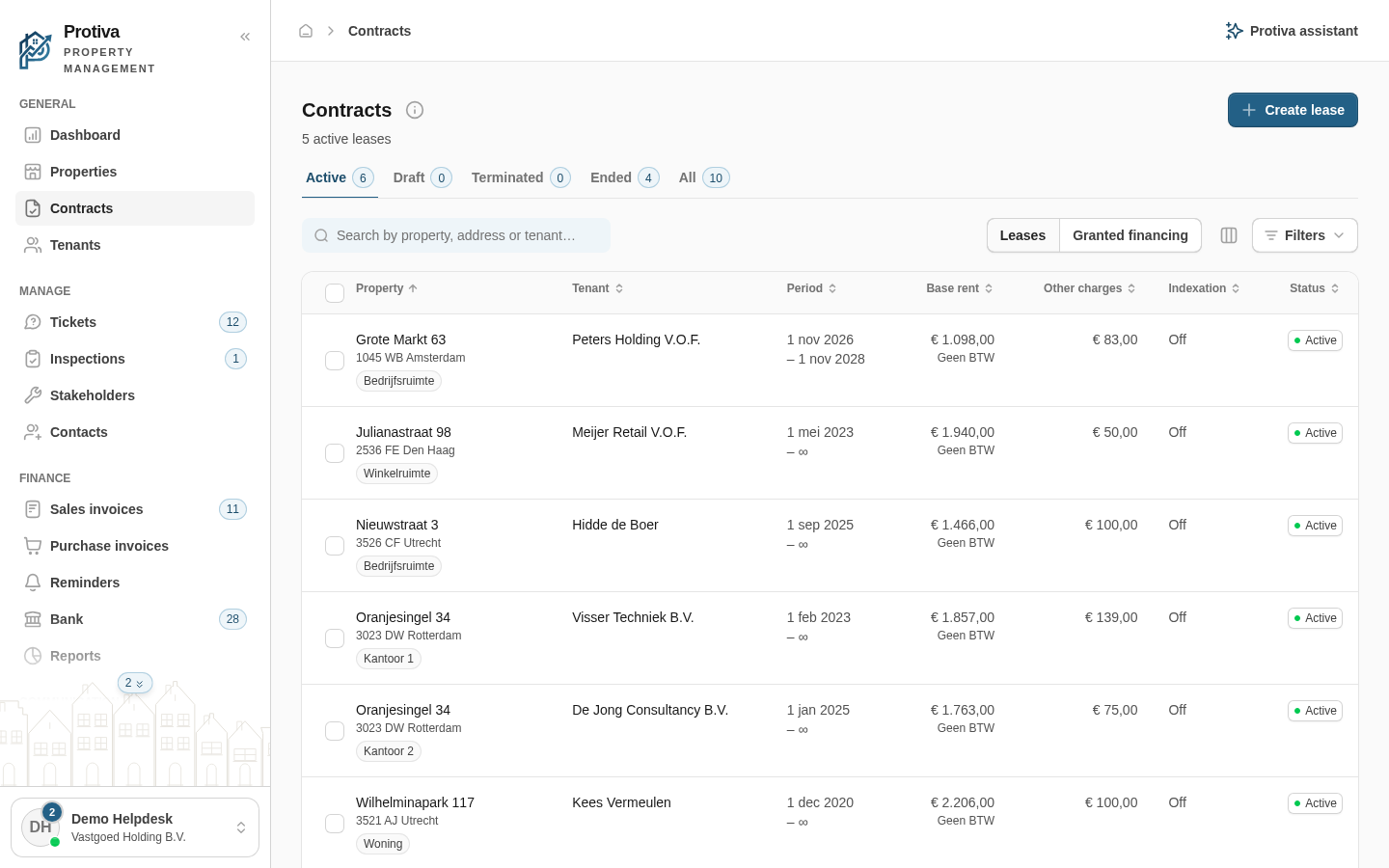
Go to Contracts;
- Open the contract for which you want to import the signed document;
- Click the Lease agreement tab;
- Choose the option Import existing contract;
- If the contract is already out for signature, the uploaded file replaces the ongoing digital signing round.
- Click the upload area and select the signed contract as a PDF file;
- Enter the date at Signed on;
- Click Submit and activate contract.
The contract is activated immediately. On the Lease agreement tab a card appears confirming that the contract was signed externally.