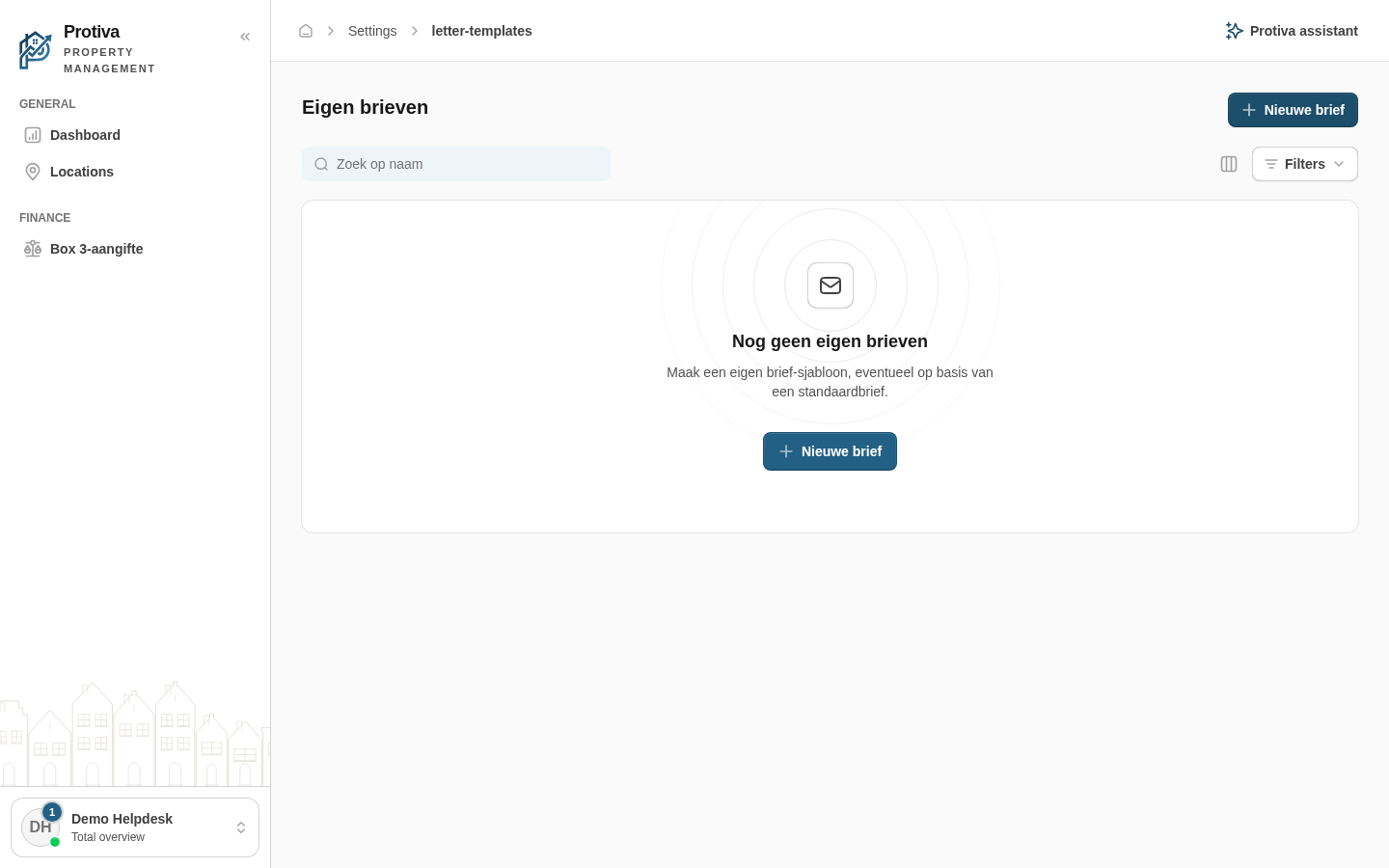
Copy a system template as a starting point
You can use a platform system template as the basis for a custom template. Protiva copies the body text, subject and category so you don't have to start from scratch.
Copy a system template into a custom template
Go to Settings;
- Click Nieuwe brief;
- In the Basis (standaardbrief kopiëren) field, select the system template you want to use as a starting point;
- Adjust the copied fields as needed — for example the name, category or body text;
- Click Aanmaken.
The new template appears in the list and is active immediately. The original system template remains unchanged.