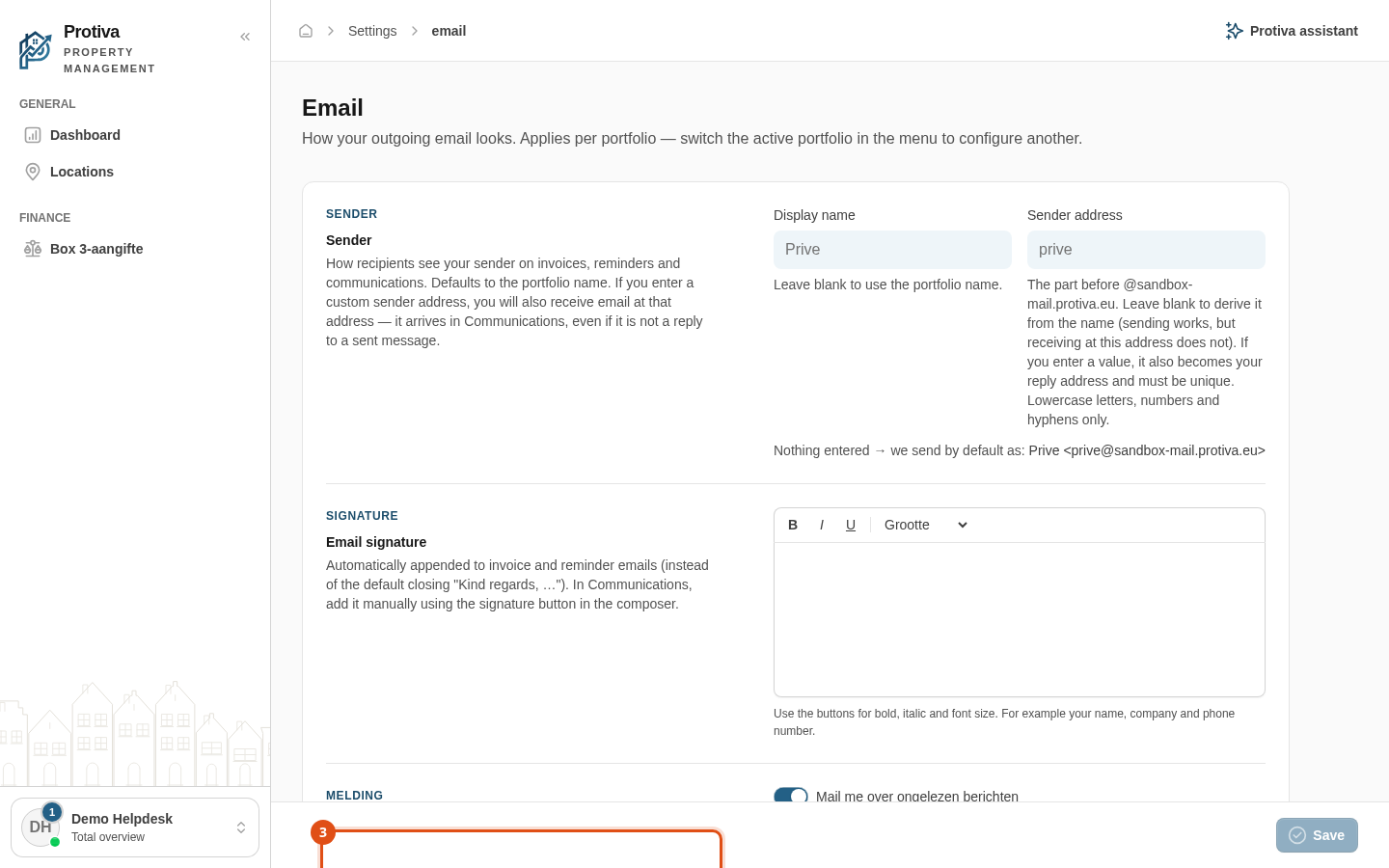
Configure email settings (sender, signature and trash)
Set up how outgoing email looks per portfolio: the sender name and address, an email signature and the retention period for deleted messages.
Adjust email settings
Go to Settings;
- Click Email;
- Adjust the desired sections:
- Sender — set the display name and sender address. If you leave the Display name field empty, the portfolio name is used. If you enter a custom sender address, incoming email to that address will also arrive in Communication;
- Email signature — type a signature that automatically appears at the bottom of invoice and reminder emails. Use the formatting buttons for bold, italic and font size;
- Trash messages — specify how many days a deleted message stays in the trash before it is permanently removed (default 365 days);
- Daily unread message notification — enable or disable the daily notification. If there are unread messages in the morning, everyone with access to the portfolio receives an email about them.
- Click Save.
These settings apply per portfolio. Switch the active portfolio in the menu to configure a different one.