Assign or remove a stakeholder
Assign a stakeholder (such as a plumber or electrician) to a ticket, or remove an existing assignment.
Assign a stakeholder
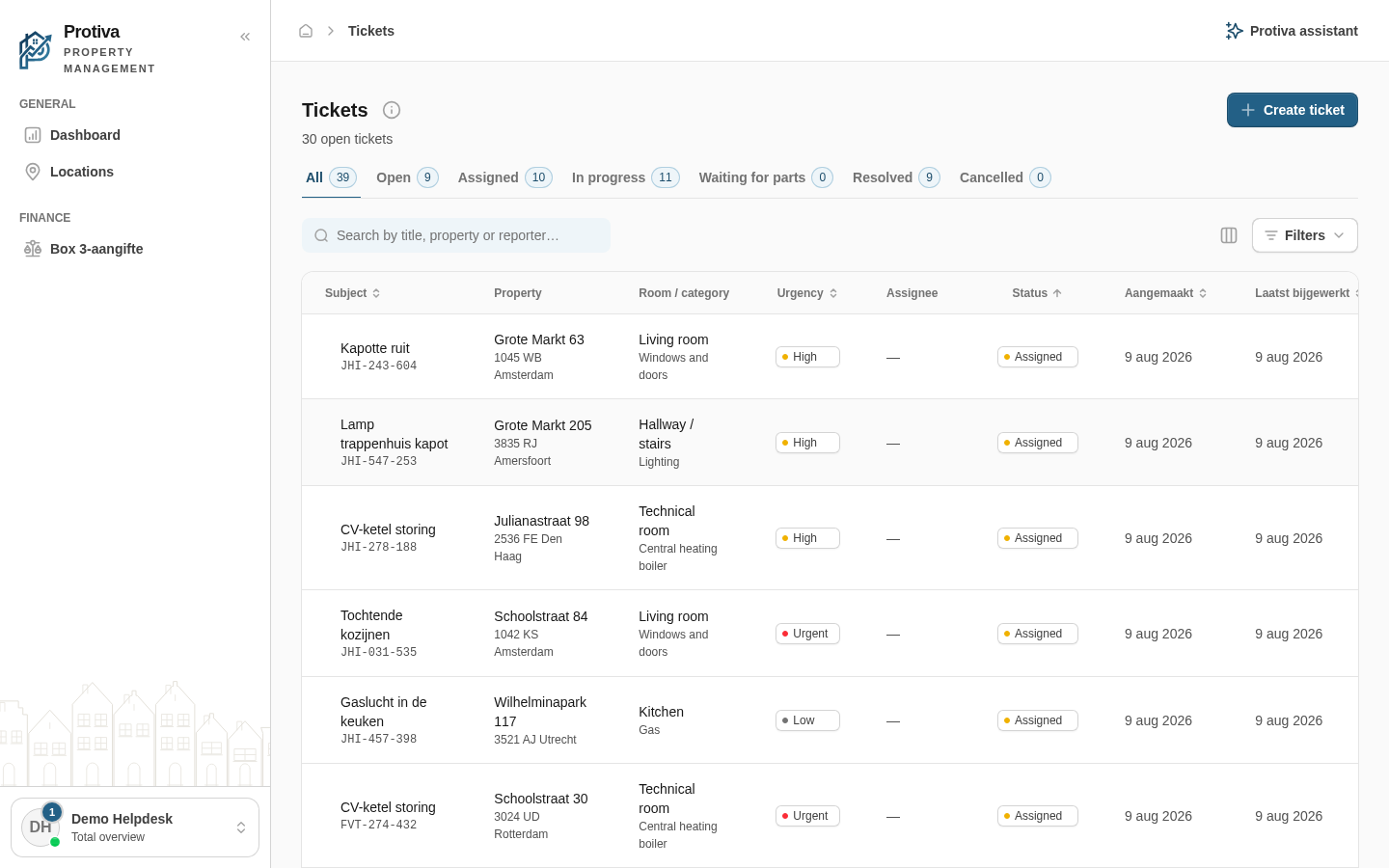
Go to Tickets;
- open the ticket you want to assign a stakeholder to;
- in the Review & assign card, select the desired stakeholder from the Stakeholder dropdown;
- click Assign.
The stakeholder appears under Assigned to. You can assign multiple stakeholders to the same ticket.
Remove an assignment
- Go to Tickets;
- open the ticket from which you want to remove an assignment;
- in the Review & assign card, under Assigned to, click the delete icon next to the stakeholder's name;
- click Revoke assignment in the confirmation dialog.