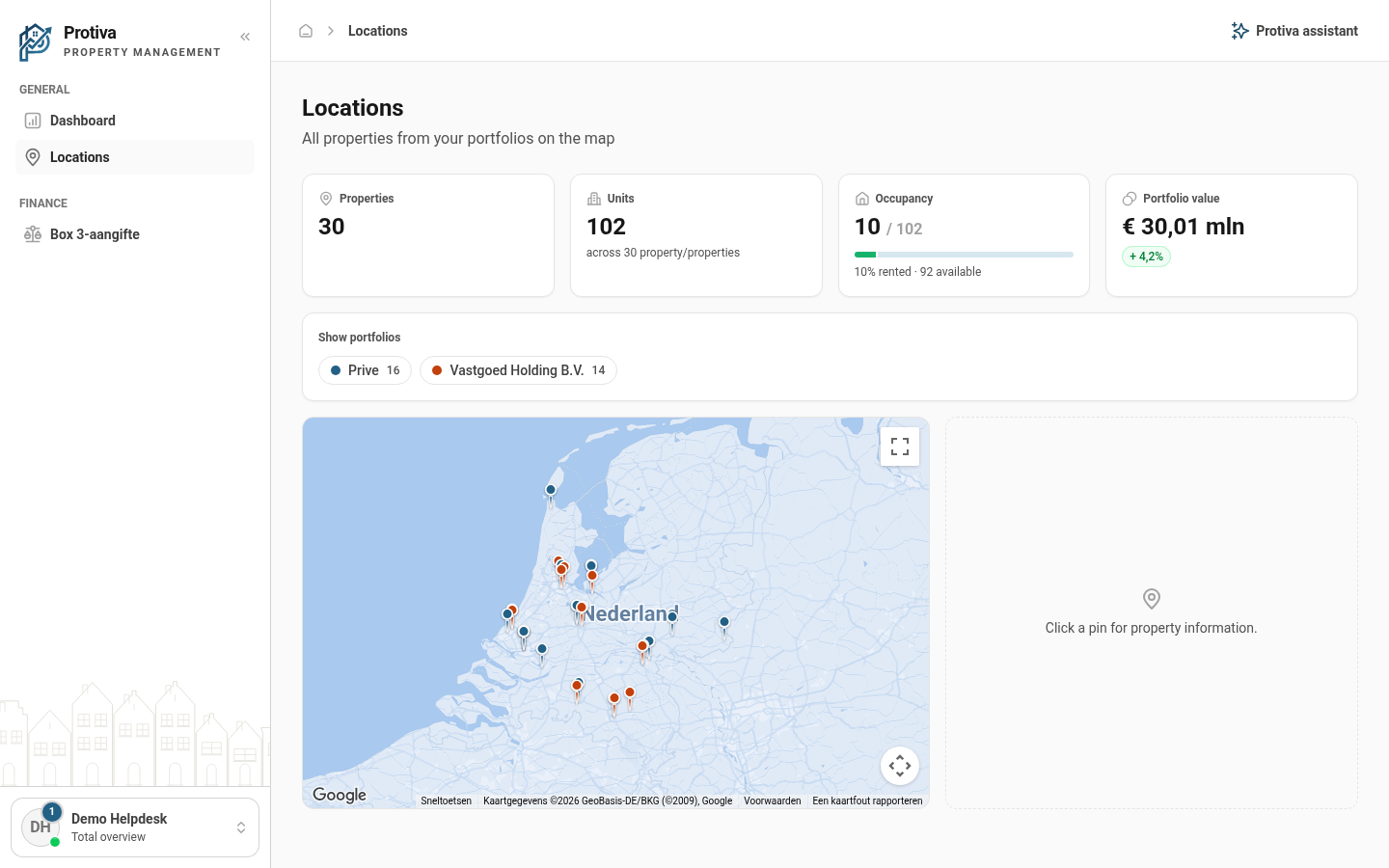
View property details and Street View via a pin
By clicking a pin you instantly see the Street View of the property and a detail bar with key data such as status, construction year and WOZ value.
View property details via a pin
Go to Locations;
- Click a pin on the map to select the property;
- View the Street View panel that appears to the right of the map;
- Review the detail bar below the map showing data such as status, units, construction year, area, energy label and WOZ value;
- Click View property in the detail bar to navigate to the full property page.
When no pin is selected, the right-hand section displays the message "Click a pin for property information."