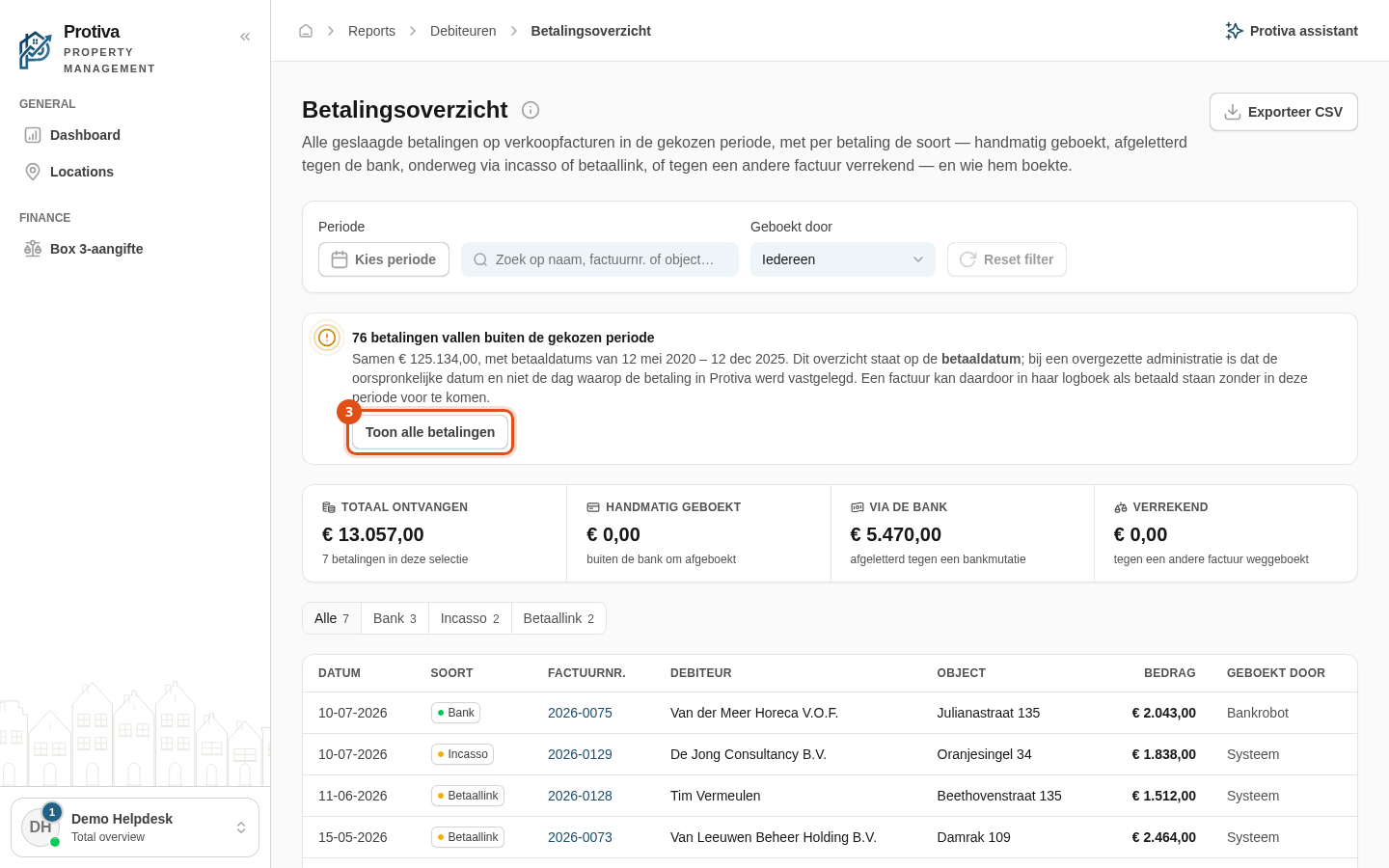
View payments outside the selected period
When payments match your filters but their payment date falls outside the selected period, Protiva displays a warning at the top of the overview. This typically occurs with migrated administrations, where the original payment date can differ by years from the moment the payment was recorded in Protiva.
Show all payments that fall outside the period
Go to Reports;
- Open the Payment overview;
- Click Toon alle betalingen in the warning bar at the top of the overview. The period is automatically widened so that the earliest and latest payments outside the original period are included.
The button only appears when there are actually payments outside the period. The notice shows how many payments are involved, the total amount, and the date range of those payments.