View, archive and restore properties
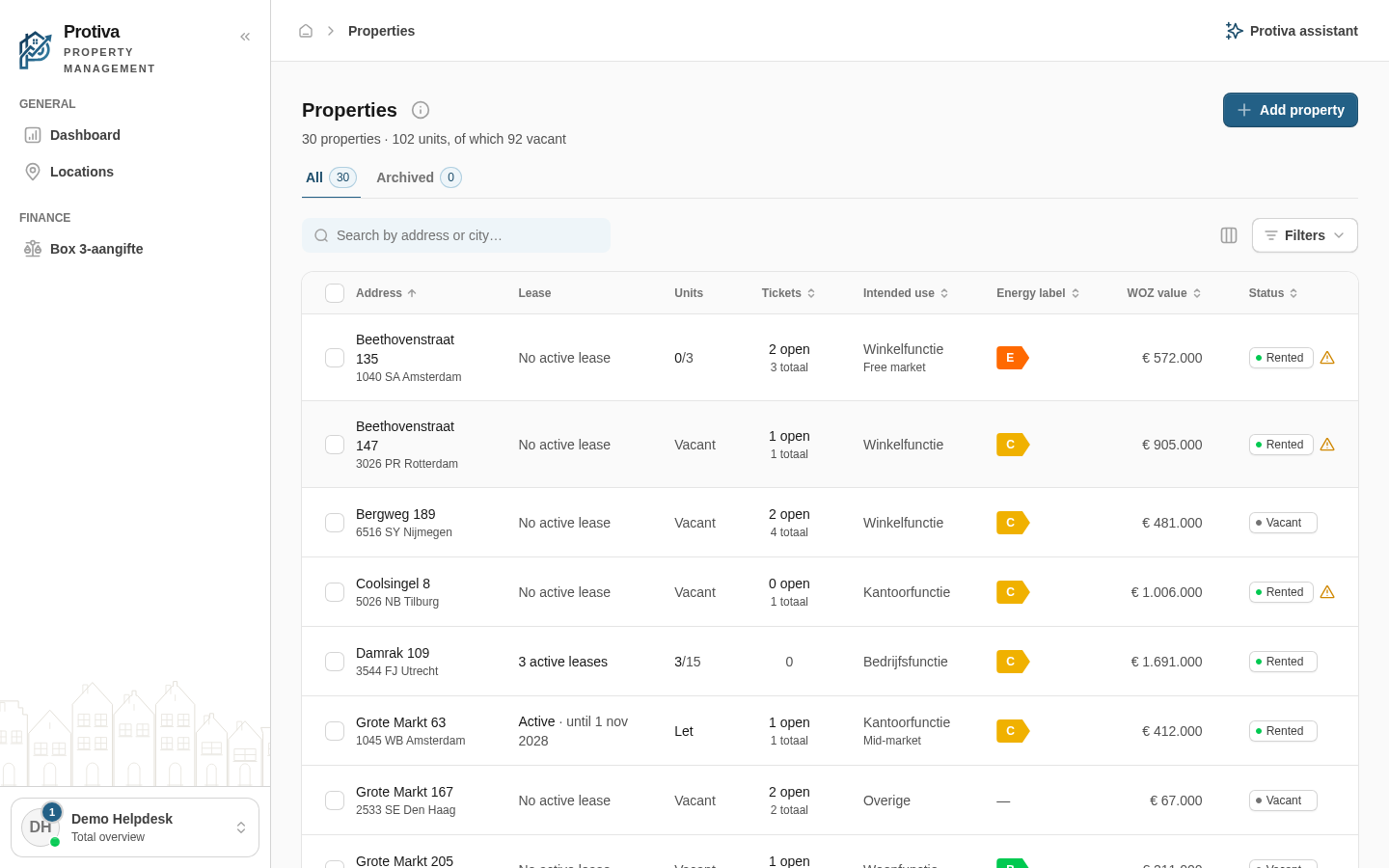
The properties overview shows all your properties with their status, lease and characteristics. From here you can archive a property to temporarily hide it, or restore an archived property.
View the properties list
Go to Properties;
- View the list of properties on the All tab. Use the Archived tab to see archived properties.
Archive a property from the detail page
- Go to Properties;
- Click the property you want to archive;
- Click the three-dot menu in the top right;
- Click Archive.
The property disappears from the All tab and appears under Archived.
Restore an archived property
- Go to Properties;
- Click the property you want to restore;
- Click the three-dot menu in the top right;
- Click Restore.
The property is moved back to the All tab.