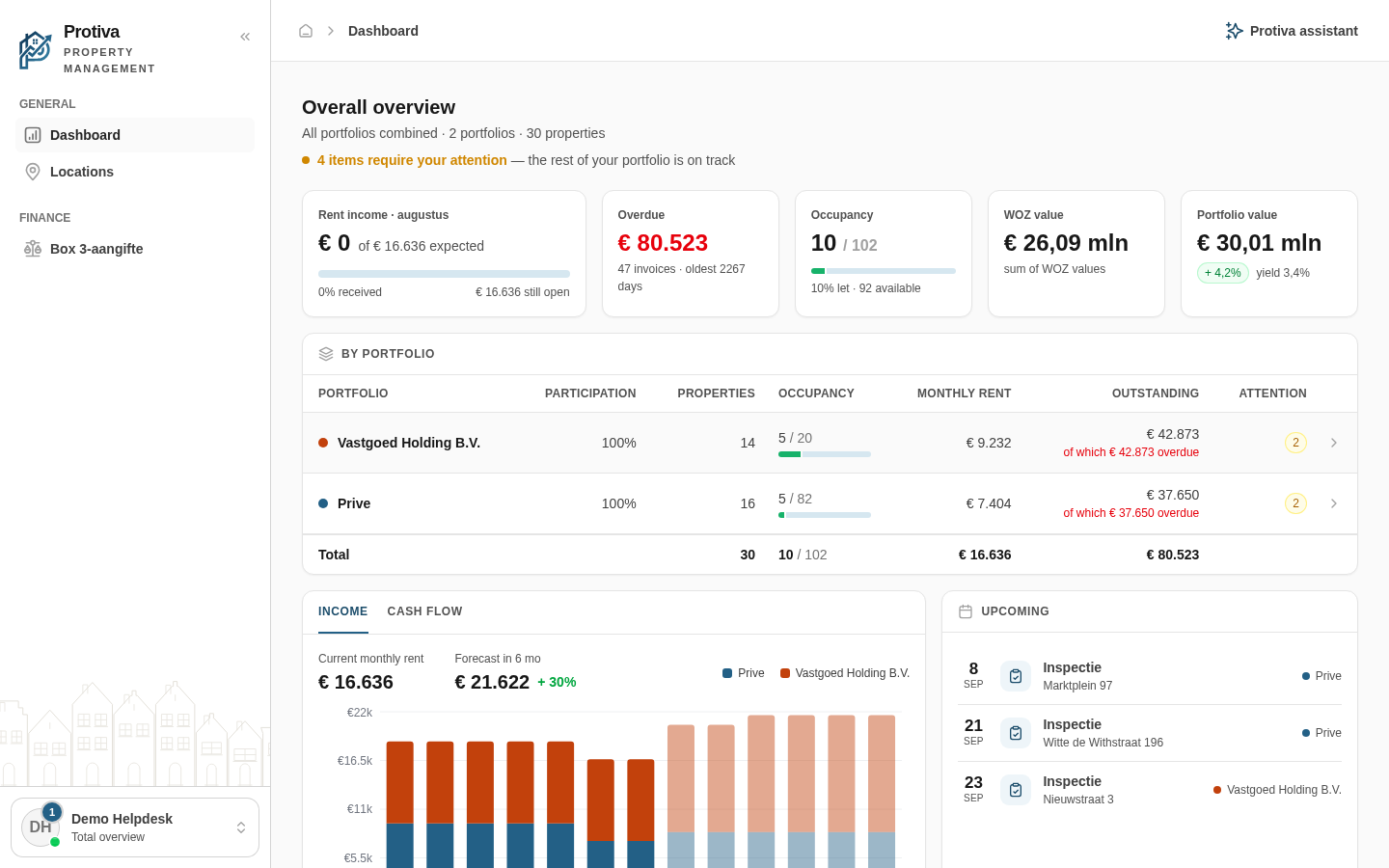
View and follow up on attention items on the dashboard
The Attention card on the dashboard bundles everything that needs your attention — from overdue invoices to open tickets — so you can see at a glance what requires action.
View and follow up on attention items
Go to Dashboard;
- Scroll to the Attention card in the left column;
- Review the list of attention items — each item shows a category with the number of outstanding matters, for example:
- Overdue invoices — overdue invoices with the outstanding amount;
- Expiring leases — leases expiring within 90 days;
- Contract awaiting signature — contracts awaiting signature;
- Inbox: to process — documents in the inbox that still need processing;
- Upcoming indexations — upcoming rent indexations;
- Interest rate review — financings with an expiring fixed-rate period;
- Scheduled inspections — scheduled inspections;
- Open tickets — open tickets;
- Draft financings — provided financings that have not yet been activated;
- Bank transactions to process — bank transactions that still need to be reconciled;
- Purchase invoices to process — purchase invoices that still need processing;
- Proposed tenant changes — tenant-proposed changes awaiting review;
- Click an attention item to navigate directly to the relevant overview and handle the outstanding matters.
Once all items have been resolved, the card displays the message "No open attention points.".