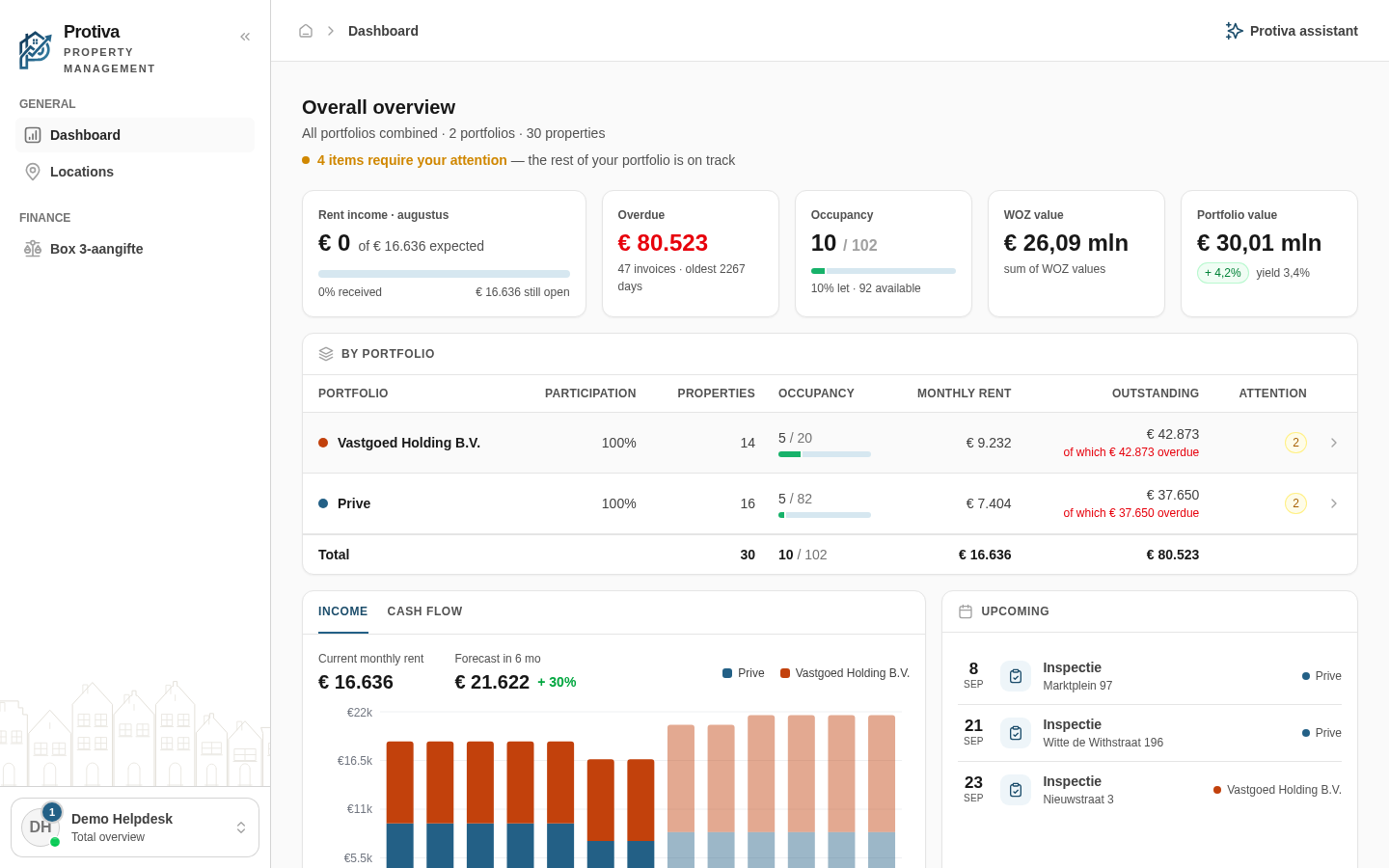
The Locations map shows all your properties on an interactive map, with color-coded pins for rental status. This gives you an at-a-glance view of where your real estate is located and which properties are rented or available.
View a property on the map
Go to Dashboard;
Scroll down to the Locations map;
Click a pin on the map to open the details of that property.
Green pins represent rented properties, blue pins represent available properties. Click All locations at the top right of the map to go to the full Locations page.
Updated on 8/30/2026
Was this article helpful?
Log in
Choose your portal
Every role has its own environment. Pick where you want to log in.
Each role has its own account and its own portal. Pick yours and you create the right account straight away.
Your own property
Management firm
Trades
By invitation
You'll get an invitation by e-mail from your landlord. Open the link in that e-mail to activate your account. No invitation? Ask them to send it again, and check your spam folder too.
Already have an account or an invitation?
Account type:
✓
Check your email
We have e-mailed you the activation link. It usually arrives within a minute. Click the link, choose a password and you are in. No e-mail? Check your spam folder as well.