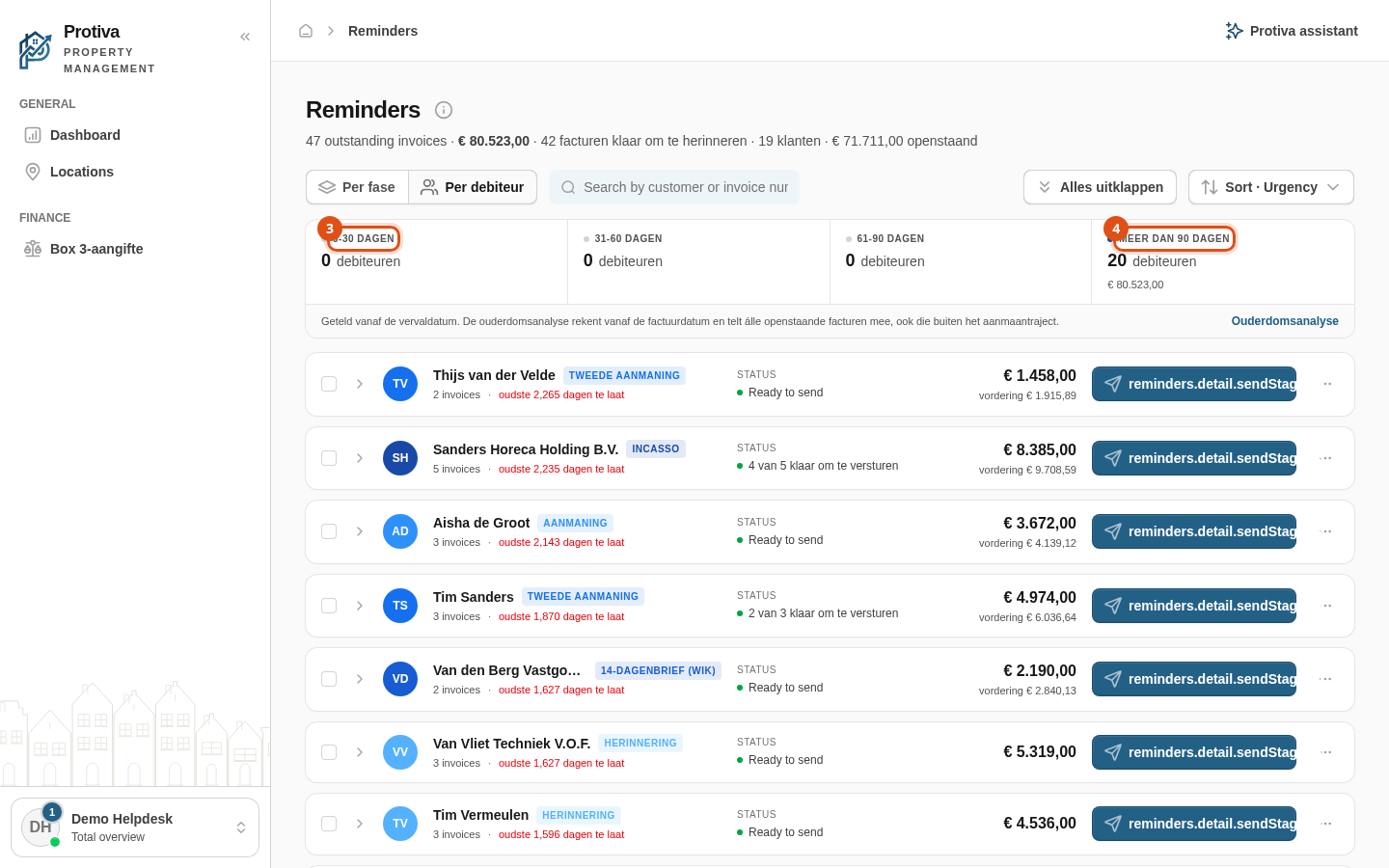
Use the aging overview per debtor
The aging overview in the debtor view shows how many debtors have outstanding invoices across four aging categories (0–30, 31–60, 61–90, and more than 90 days past the due date). This helps you quickly identify which customers need the most attention.
View and filter the aging overview
Go to Reminders;
- Click By debtor in the view toggle at the top of the toolbar;
- Review the aging strip that appears above the list — each cell shows the number of debtors and the total outstanding amount for that period;
- Click an aging cell (for example More than 90 days) to filter the list to only the debtors in that category. Click the same cell again to remove the filter.
The age is counted from the due date of the oldest invoice per debtor. This differs from the aging analysis under reports, which counts from the invoice date and includes all outstanding invoices — even those outside the dunning process. Click Debtor aging report below the strip to go to that report.