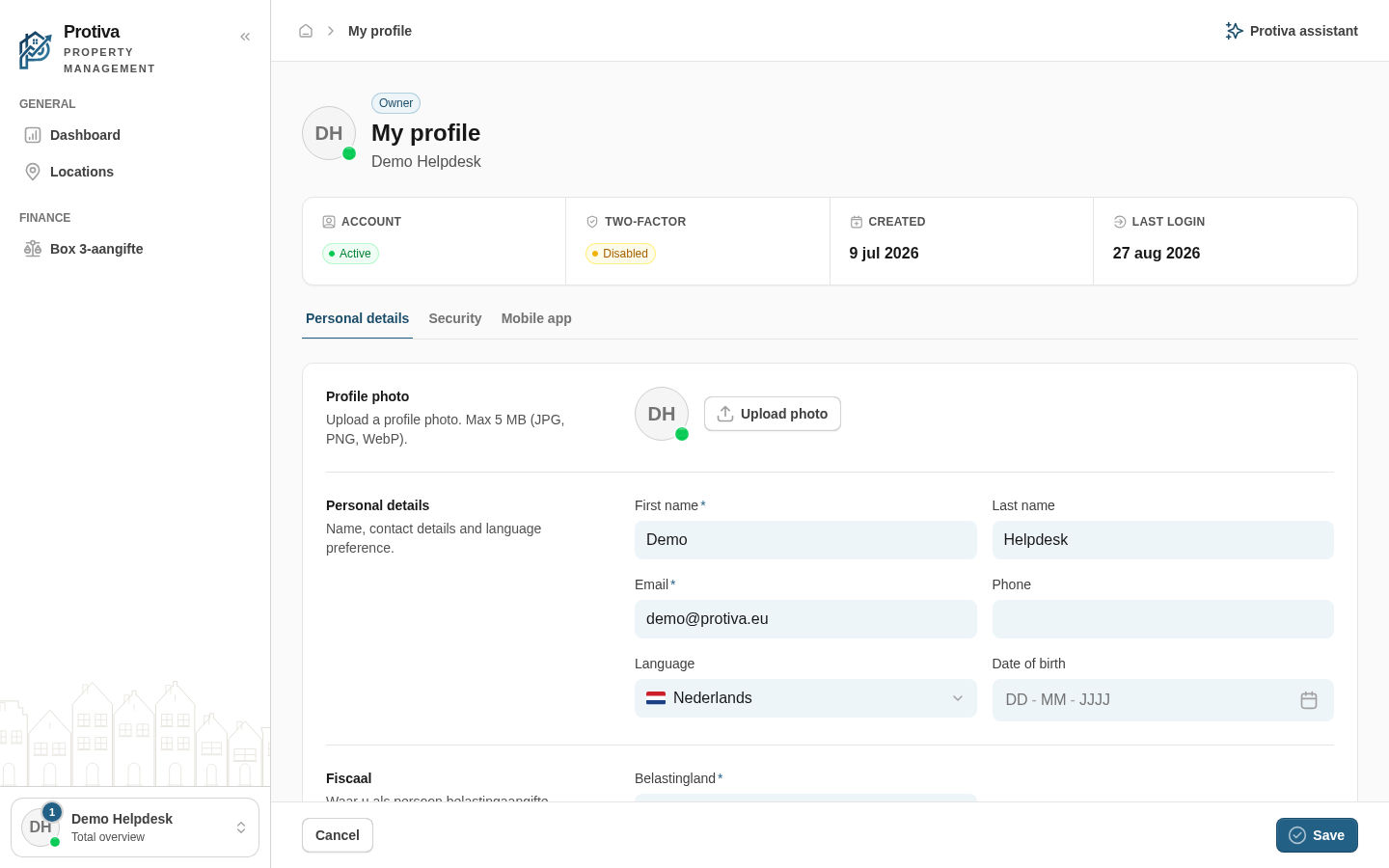
Upload or remove profile photo
Personalise your account with a recognisable profile photo, or remove an existing photo to fall back to your initials.
Upload a profile photo
- Go to My profile;
- Open the Personal details tab;
- Click Upload photo in the Profile photo section;
- Drag an image into the upload area or click to browse for a file (JPG, PNG or WebP, max 5 MB);
- Crop the photo using the zoom slider and click Save.
Remove a profile photo
- Go to My profile;
- Open the Personal details tab;
- Click Remove photo in the Profile photo section.
The Remove photo button is only visible when a profile photo has already been set.