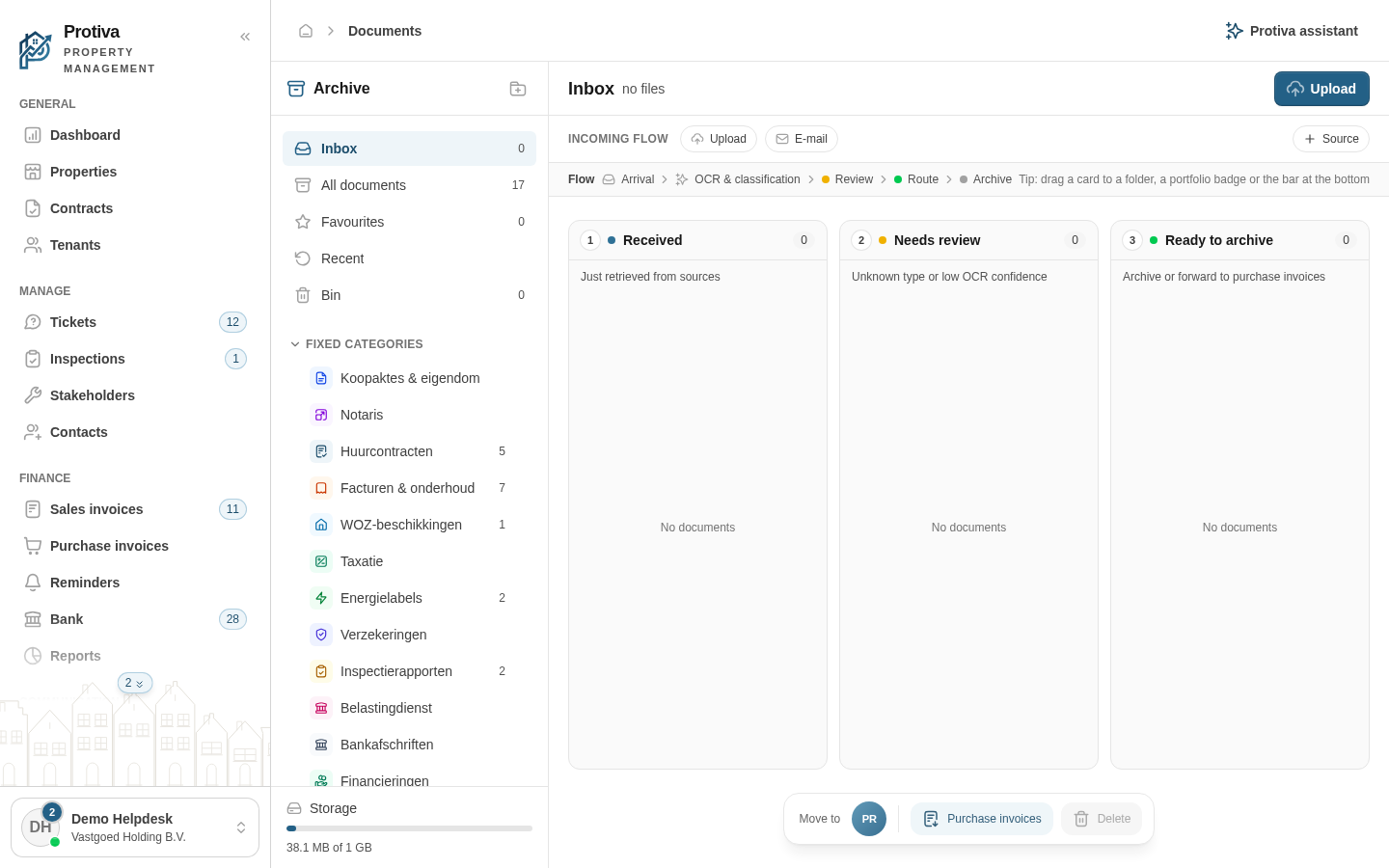
The Documents tab stores all files related to a property — contracts, valuation notices, inspection reports and other documents. This keeps everything in one place.
Upload a document
Go to Properties;
Open the property you want to upload a document for;
Click the Documents tab;
Click Upload document;
Choose one or more files and select the document type;
Click Save.
The document appears in the list and is immediately searchable. The document type is recorded at upload so you can filter later.
Updated on 8/26/2026
Was this article helpful?
Log in
Choose your portal
Every role has its own environment. Pick where you want to log in.
Each role has its own account and its own portal. Pick yours and you create the right account straight away.
Your own property
Management firm
Trades
By invitation
You'll get an invitation by e-mail from your landlord. Open the link in that e-mail to activate your account. No invitation? Ask them to send it again, and check your spam folder too.
A sales agent account comes from the developer you sell for.
Already have an account or an invitation?
Account type:
✓
Check your email
We have e-mailed you the activation link. It usually arrives within a minute. Click the link, choose a password and you are in. No e-mail? Check your spam folder as well.