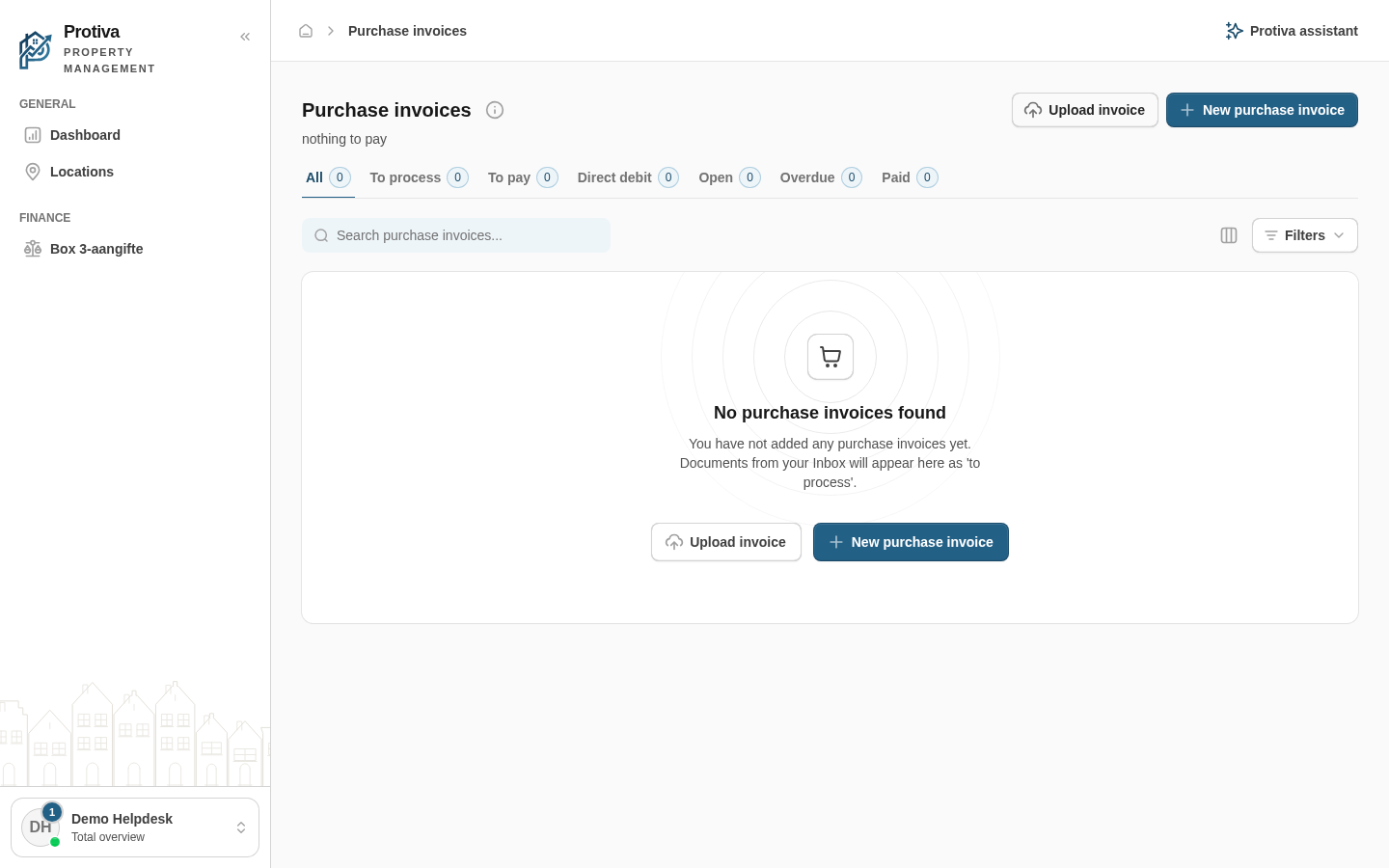
Upload an invoice file (PDF, JPG or PNG) to save it as a draft purchase invoice. Protiva automatically recognises the supplier, date and amounts via AI-OCR.
Upload a purchase invoice
Go to Purchase invoices;
Click Upload invoice;
Choose one or more files or drag them into the upload area;
Confirm the upload.
The uploaded invoices appear in the list with the status To process. The AI fills in the fields automatically; then review and process the invoice via Edit.
Updated on 8/28/2026
Was this article helpful?
Log in
Choose your portal
Every role has its own environment. Pick where you want to log in.
Each role has its own account and its own portal. Pick yours and you create the right account straight away.
Your own property
Management firm
Trades
By invitation
You'll get an invitation by e-mail from your landlord. Open the link in that e-mail to activate your account. No invitation? Ask them to send it again, and check your spam folder too.
Already have an account or an invitation?
Account type:
✓
Check your email
We have e-mailed you the activation link. It usually arrives within a minute. Click the link, choose a password and you are in. No e-mail? Check your spam folder as well.