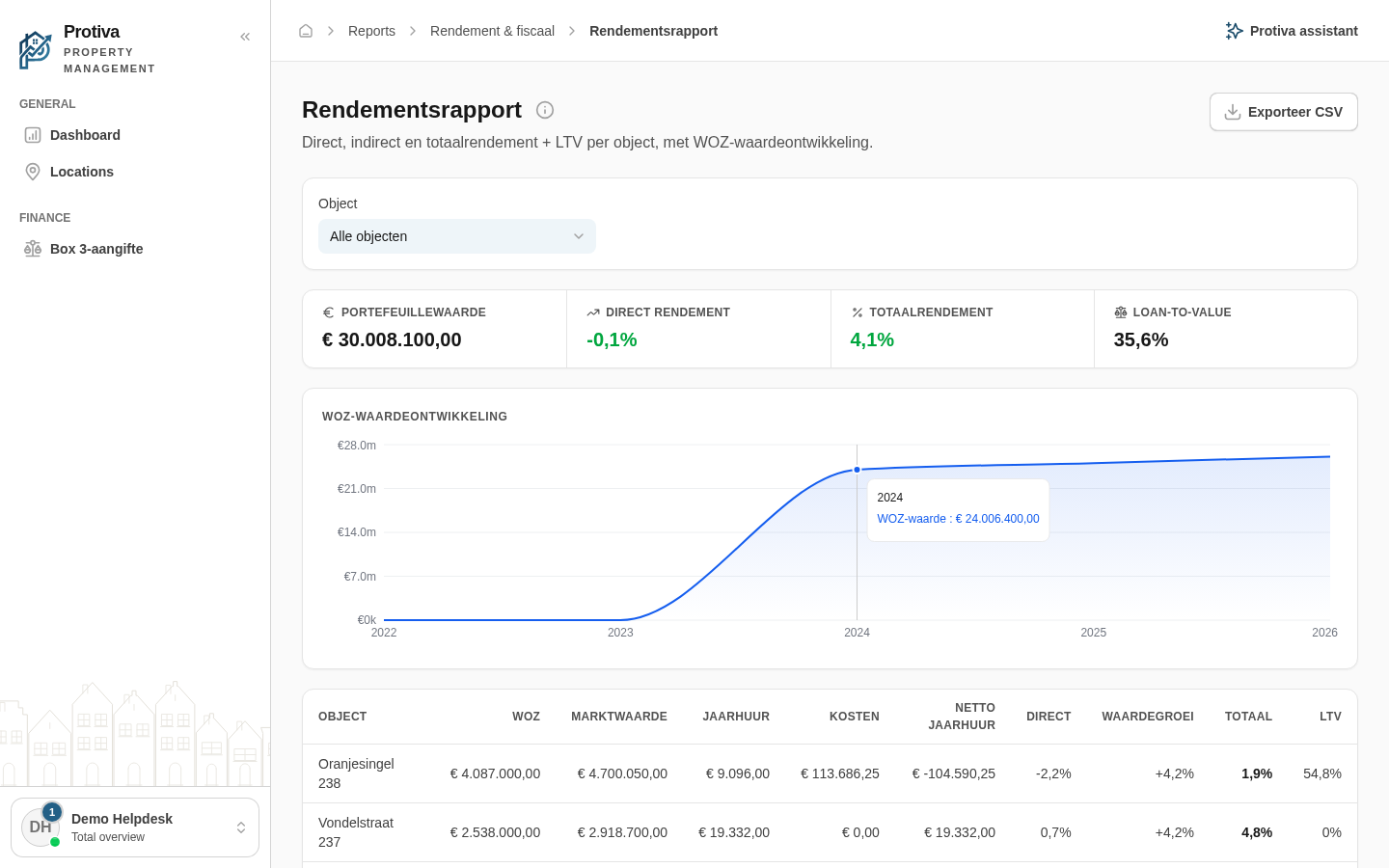
Switch between the Smart and Budget vs actual view
In the financial year overview you can choose how costs are displayed: as a smart combined result or as a comparison between budgeted and actually booked amounts.
Switch the view
Go to Reports;
- Click a property in the table to open the financial year overview;
- In the control bar, click the desired view:
- Slim — shows the net result per month without distinguishing between estimated and booked costs;
- Begroot vs werkelijk — shows the same monthly table plus an extra block where, for each recurring cost item (financing interest and VvE contribution), the budgeted amount is displayed next to the actually booked amount. The amount counted in the annual total is shown in bold.
The view applies only to the current session and does not affect the underlying figures or the CSV export.