Snooze a conversation
Snoozing temporarily hides a conversation from your inbox. It reappears automatically at the time you choose, so nothing slips through the cracks.
Snooze a conversation
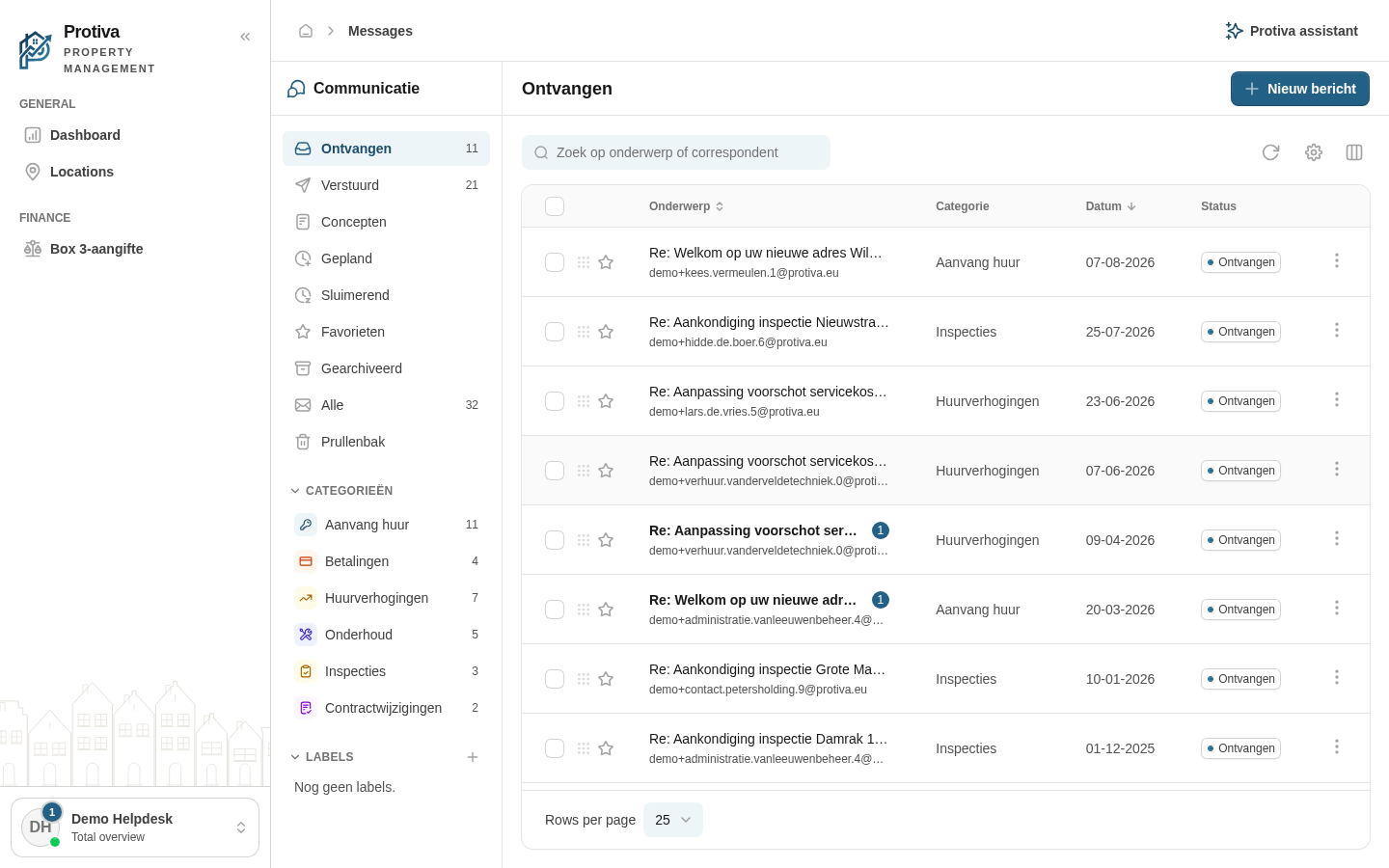
Go to Messages;
- Click the action menu (three dots) at the end of the conversation row;
- Click Sluimeren…;
- Choose a date and time for the conversation to reappear and confirm.
The conversation disappears from your inbox and can be found in the Snoozed view. At the chosen time it automatically returns to your inbox.
Cancel a snooze
- Go to Messages;
- Click the action menu (three dots) at the end of the snoozed conversation row;
- Click Niet meer sluimeren.
The conversation immediately reappears in your inbox.