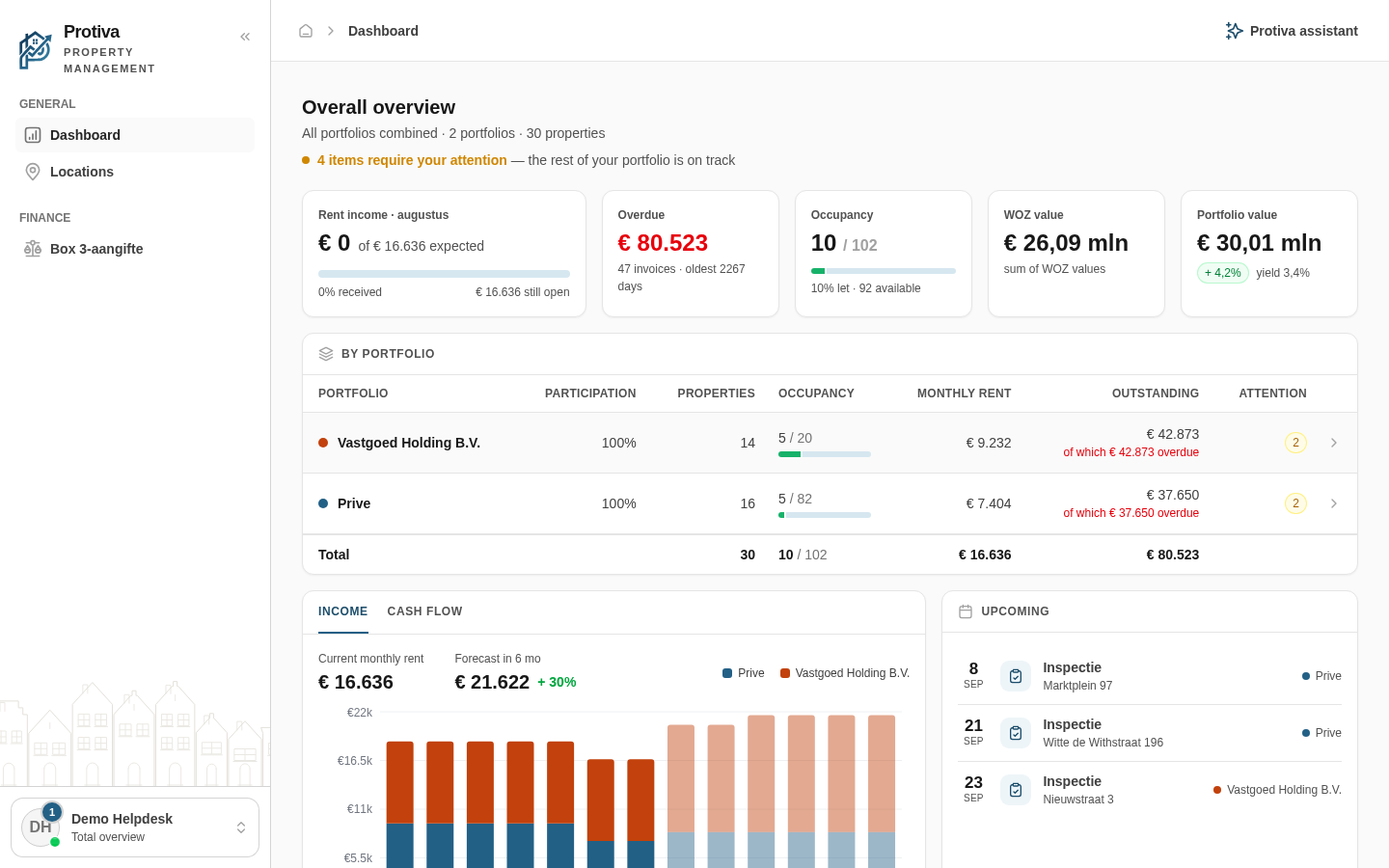
Toggle extra sections on the dashboard on or off
The Extra components bar at the bottom of the dashboard lets you toggle heavier detail sections on or off, so you control how much information you see at a glance.
Toggle an extra section on or off
Go to Dashboard;
- Scroll to the bottom of the dashboard until you see the Extra components bar;
- Click the section you want to toggle:
- Properties — shows a table of all your properties, their status, number of units, monthly rent and WOZ value;
- Recent activity — shows an overview of recent activity such as received payments, signed contracts and created tickets.
An enabled section displays a filled chip with a check mark; click it again to disable it. Your choice is remembered for your next visit.