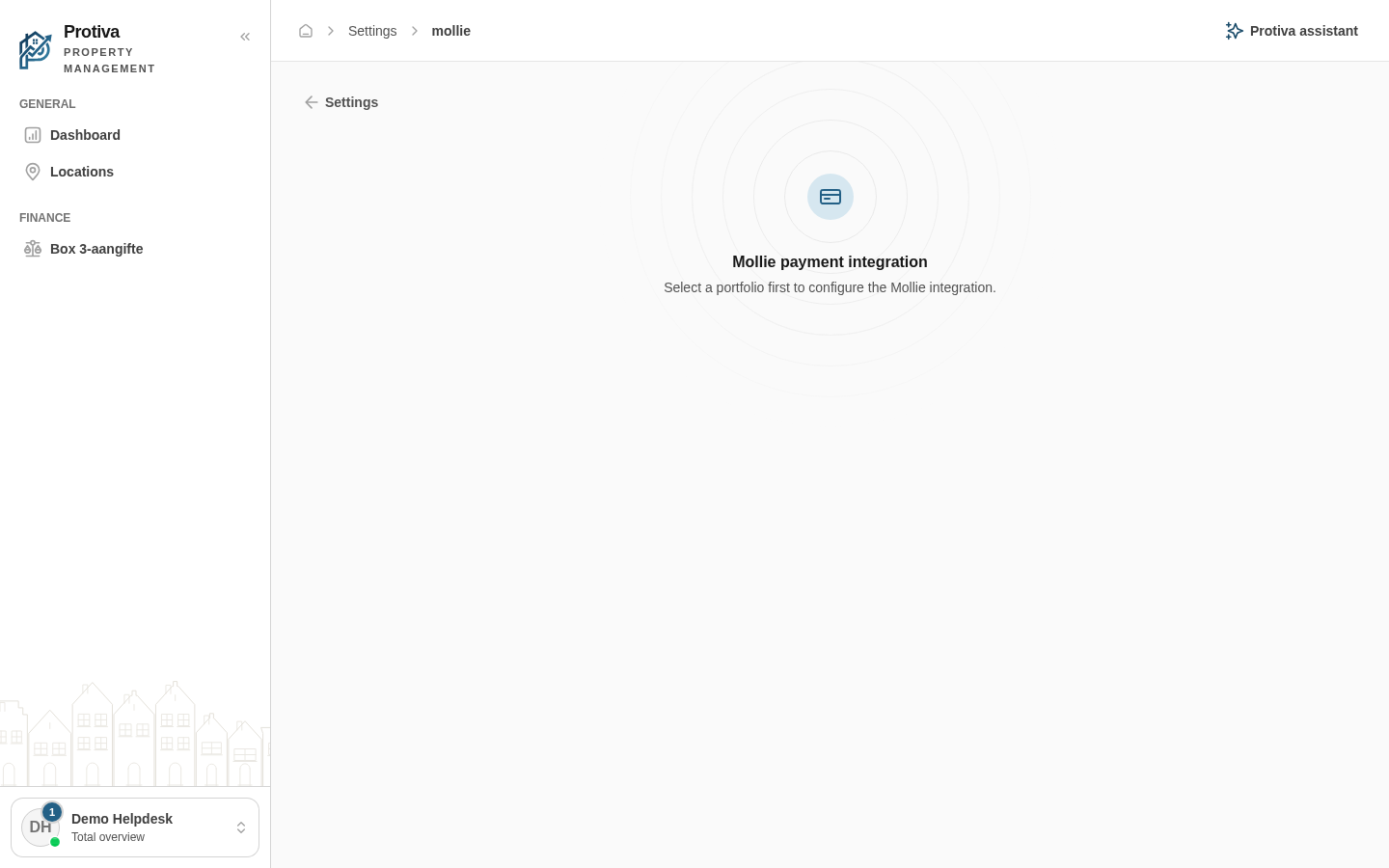
Set up Mollie payment integration
The Mollie integration lets tenants pay invoices online via iDEAL, credit card and other payment methods. You configure the integration per portfolio.
Configure the Mollie integration
Go to Settings;
- Click Mollie (online payments) in the Sales group;
- Enable Enable Mollie to activate the integration;
- Choose the desired mode under Mode:
- Live — for real payments;
- Test mode — to test the integration without charging real money.
- Enter your live API key in Live API key (starts with
live_); - Enter your test API key in Test API key (starts with
test_); - Click Test connection to verify the keys are correct;
- Click Save.
Once the integration is active, tenants will see a payment button on their invoices. To try the integration first, choose Test mode — no real payments will be processed.