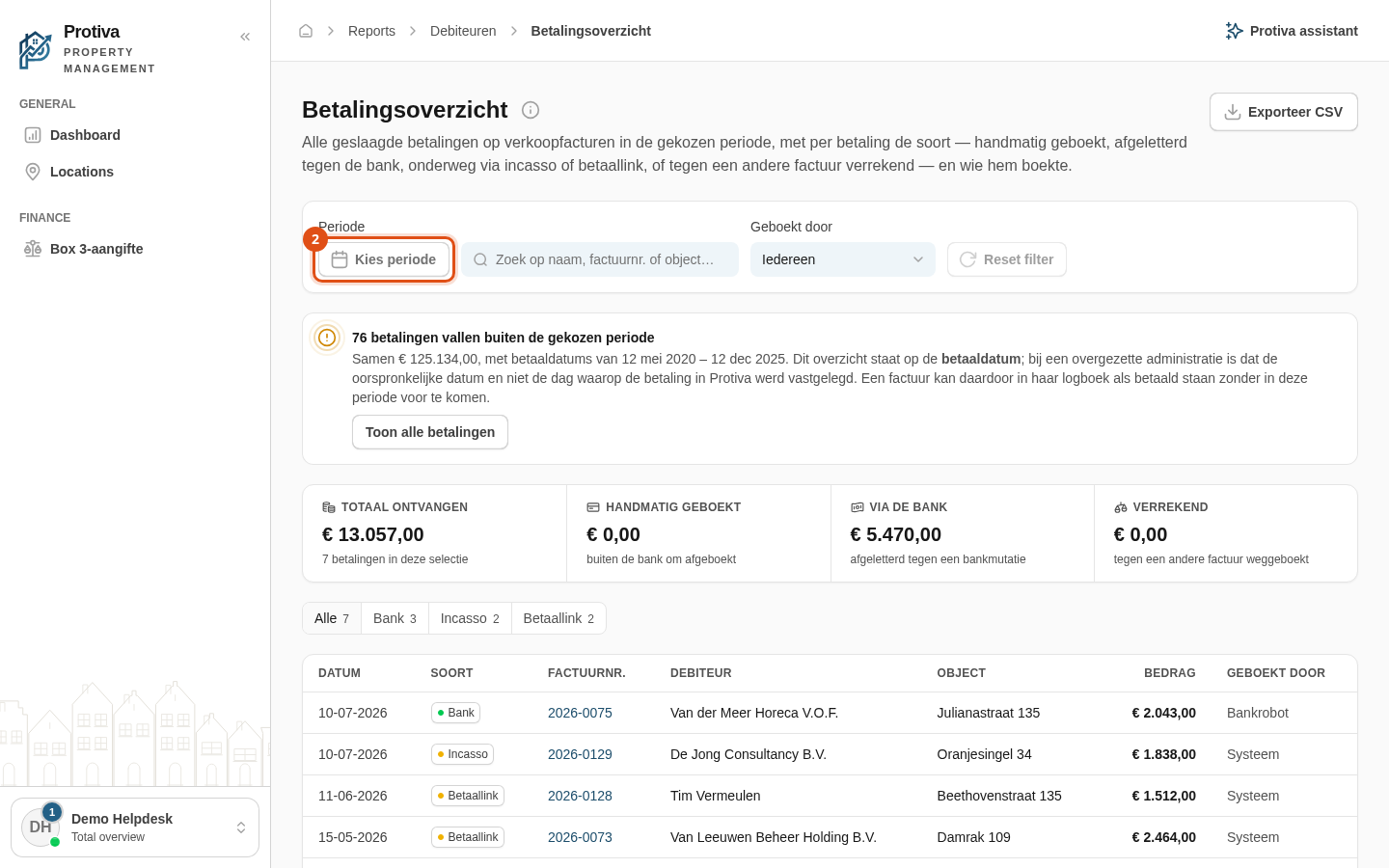
Set the period of the payment register
Use the period filter to limit the payment register to a specific date range. Protiva looks at the payment date, not the booking date in the invoice log.
Set the period
Go to Reports;
- Click the Kies periode button below the Periode label;
- Choose a start and end date. You can select a range in the calendar, or click one of the presets on the left:
- Deze maand — from the first day of the current month until today;
- Afgelopen maand — the full previous calendar month;
- Dit jaar — from 1 January until today;
- Afgelopen jaar — the full previous calendar year;
- Afgelopen 5 jaar — the last five years until today;
- Afgelopen 10 jaar — the last ten years until today.
- Click Toepassen to apply the chosen period.
To reset the period and all other filters at once, click Reset filter.