Set the period for the creditor invoice overview
Use the period filters to control which year and month range the creditor invoice overview displays. This lets you narrow the view to exactly the invoices you want to analyse.
Set the period
Go to Reports;
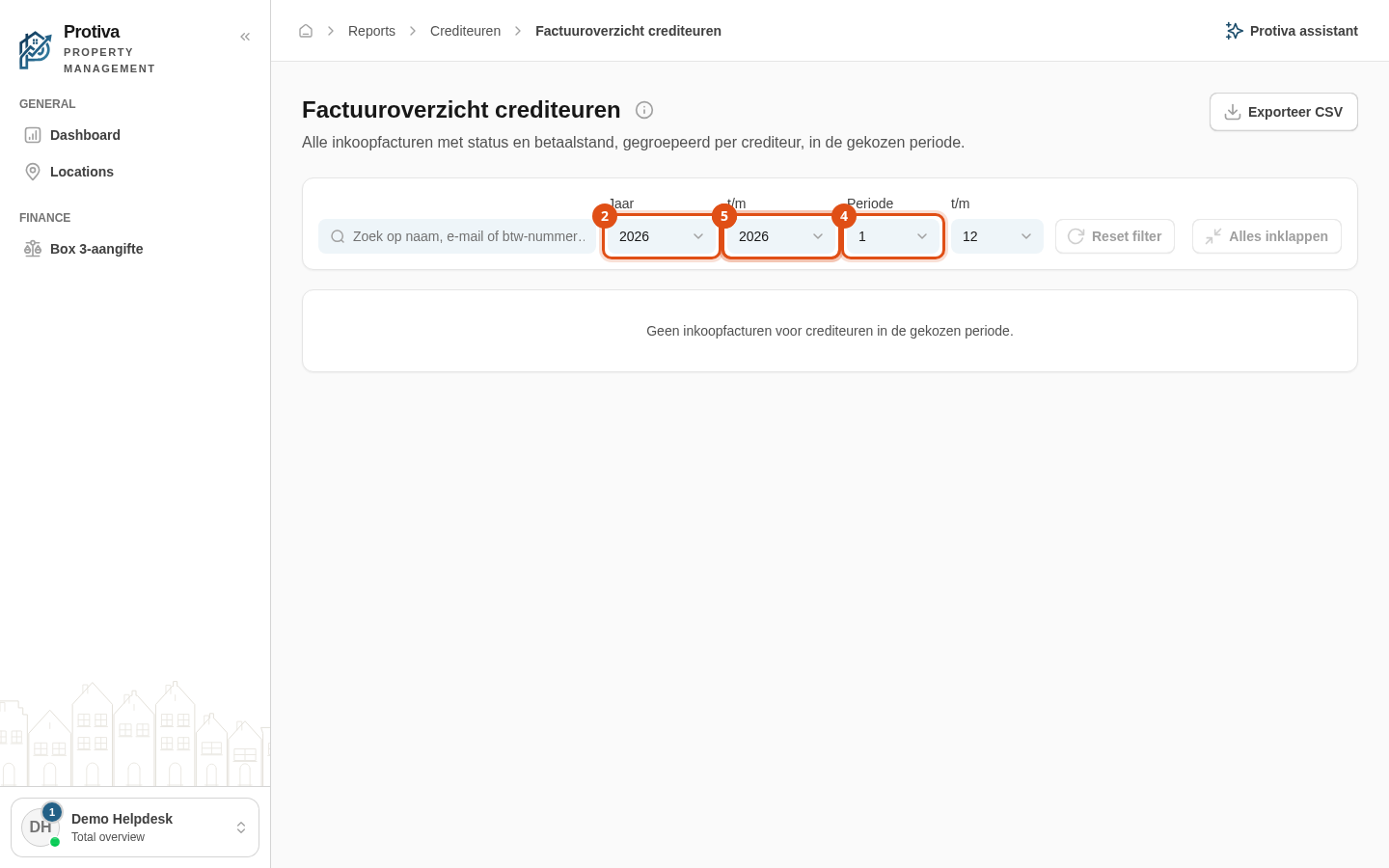
- Select the start year in the Jaar dropdown;
- Select the end year in the t/m dropdown next to it;
- Select the start month in the Periode dropdown;
- Select the end month in the t/m dropdown next to it.
The overview updates automatically as soon as you change a value. To reset all filters back to the current year (January through December) in one go, click Reset filter.