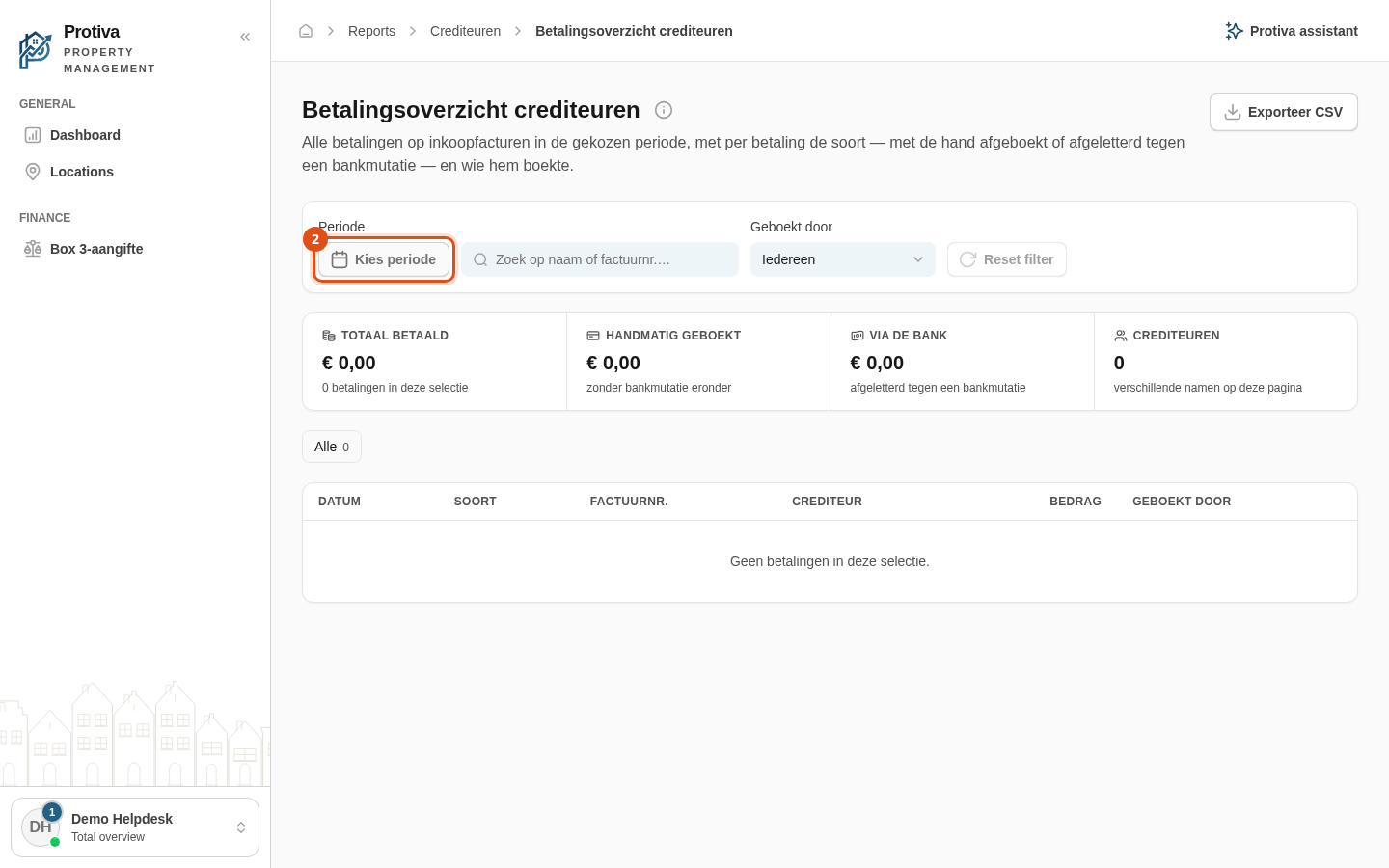
Set the period for creditor payments
Use the period filter to limit the creditor payments overview to a specific date range. This lets you analyse exactly the payments made within a given timespan.
Set the period
Go to Reports;
- Click the Periode button in the filter panel;
- Choose a period:
- Click a preset in the left panel (for example Deze maand, Afgelopen maand, Dit jaar, Afgelopen jaar, Afgelopen 5 jaar, or Afgelopen 10 jaar);
- Or manually select a start and end date in the calendar.
- Click Toepassen.
The report now shows only payments with a payment date within the chosen period. If any payments fall outside the period, a notice appears at the top — see the article about payments outside the chosen period for details.