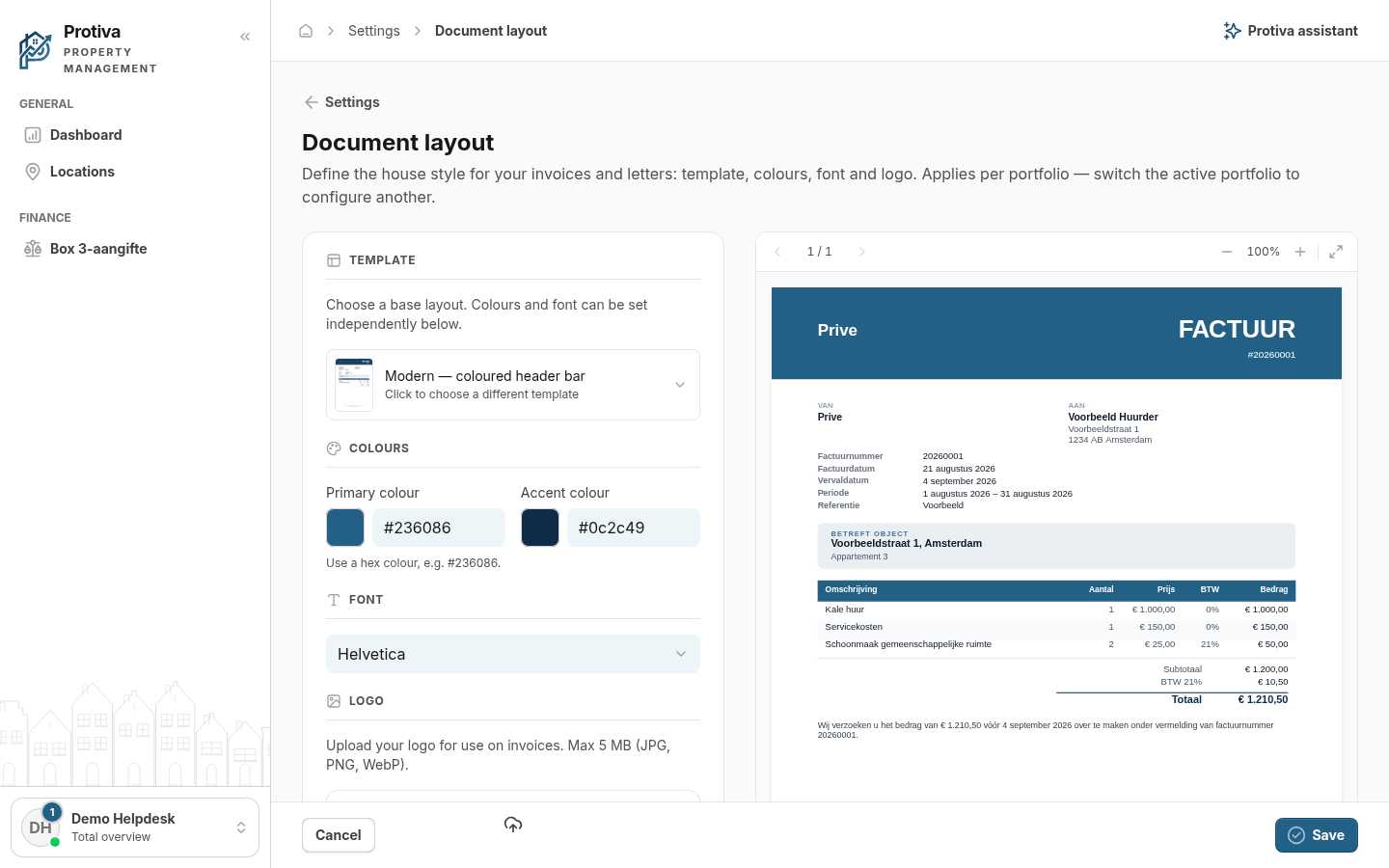
Set primary and accent colour
The primary colour and accent colour determine the colours used in your invoices and letters. Changes are immediately visible in the live preview.
Set colours
Go to Settings;
- Open Document layout;
- Under Colours, click the coloured square next to Primary colour or Accent colour to open the colour picker, or type a hex colour (e.g. #236086) directly into the text field;
- Choose the desired colour in the colour picker using the colour area, the hue slider or the eyedropper, then close the popover;
- Repeat steps 3 and 4 for the other colour;
- Click Save.
Use a hex colour, e.g. #236086.