Send or resend an invoice
Send a draft invoice to finalise it and deliver it to the recipient, or resend an already issued invoice. Sending a draft assigns an invoice number and changes the status; resending leaves the number and status unchanged.
Send or resend an invoice
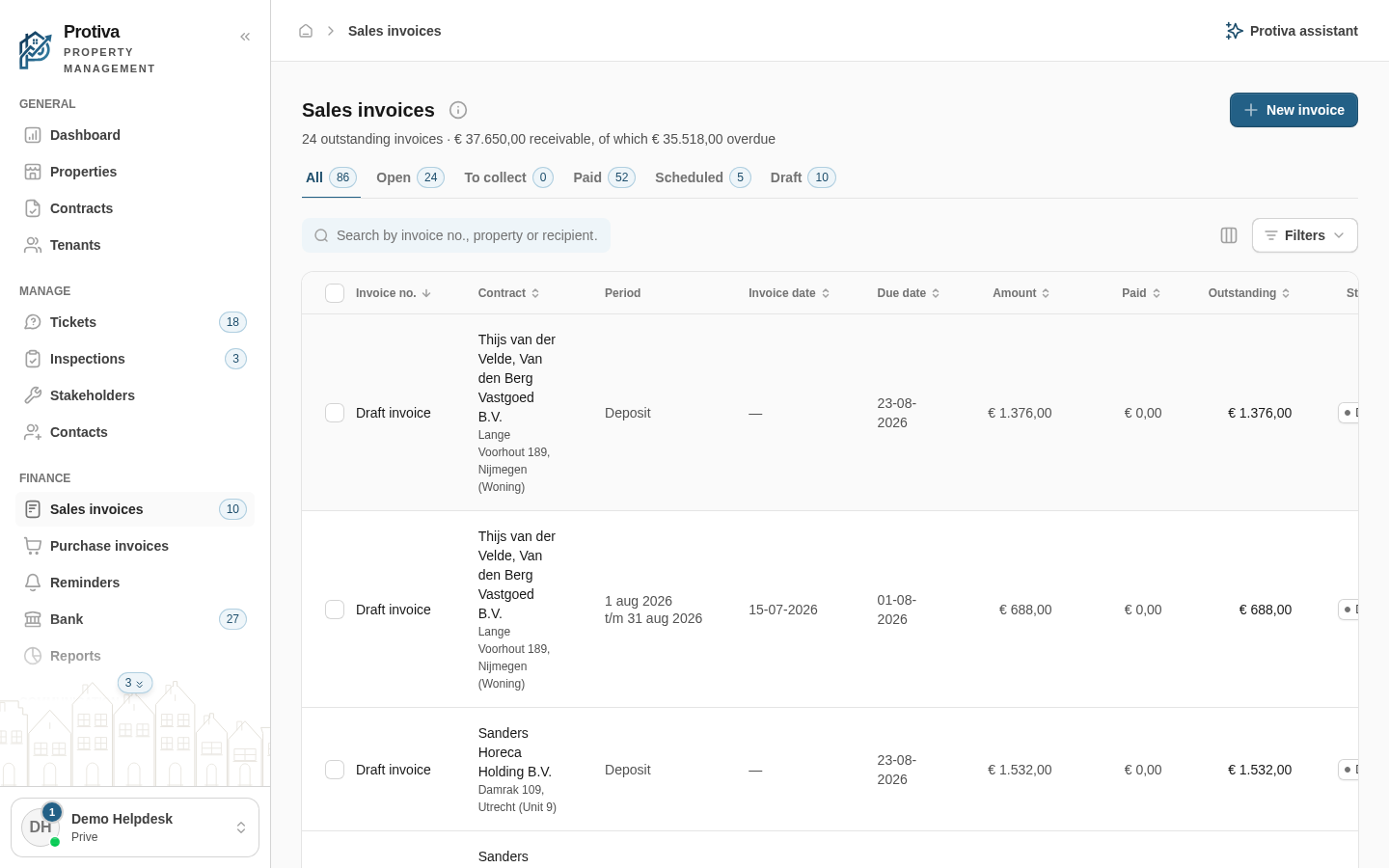
Go to Sales invoices;
- Click the invoice you want to send to open the detail panel;
- Click Send (for a draft) or Resend (for an already issued invoice);
- Choose in the dialog how you want to deliver the invoice:
- By email — Check the email address at Send to, optionally adjust the Subject and Message, and click Send;
- By post — The invoice is printed as a letter and delivered by post. Click Send by post;
- Don't send, only finalise — The invoice is finalised without sending anything. Click Finalise.
After sending, the invoice appears in the log with the delivery details. If no email address and no postal address are known, Protiva shows a notification so you can complete the recipient's details first.