Send a message by post
Send a letter physically by post via Protiva. The letter is printed, franked and delivered by the postal service to the recipient.
Send a message by post
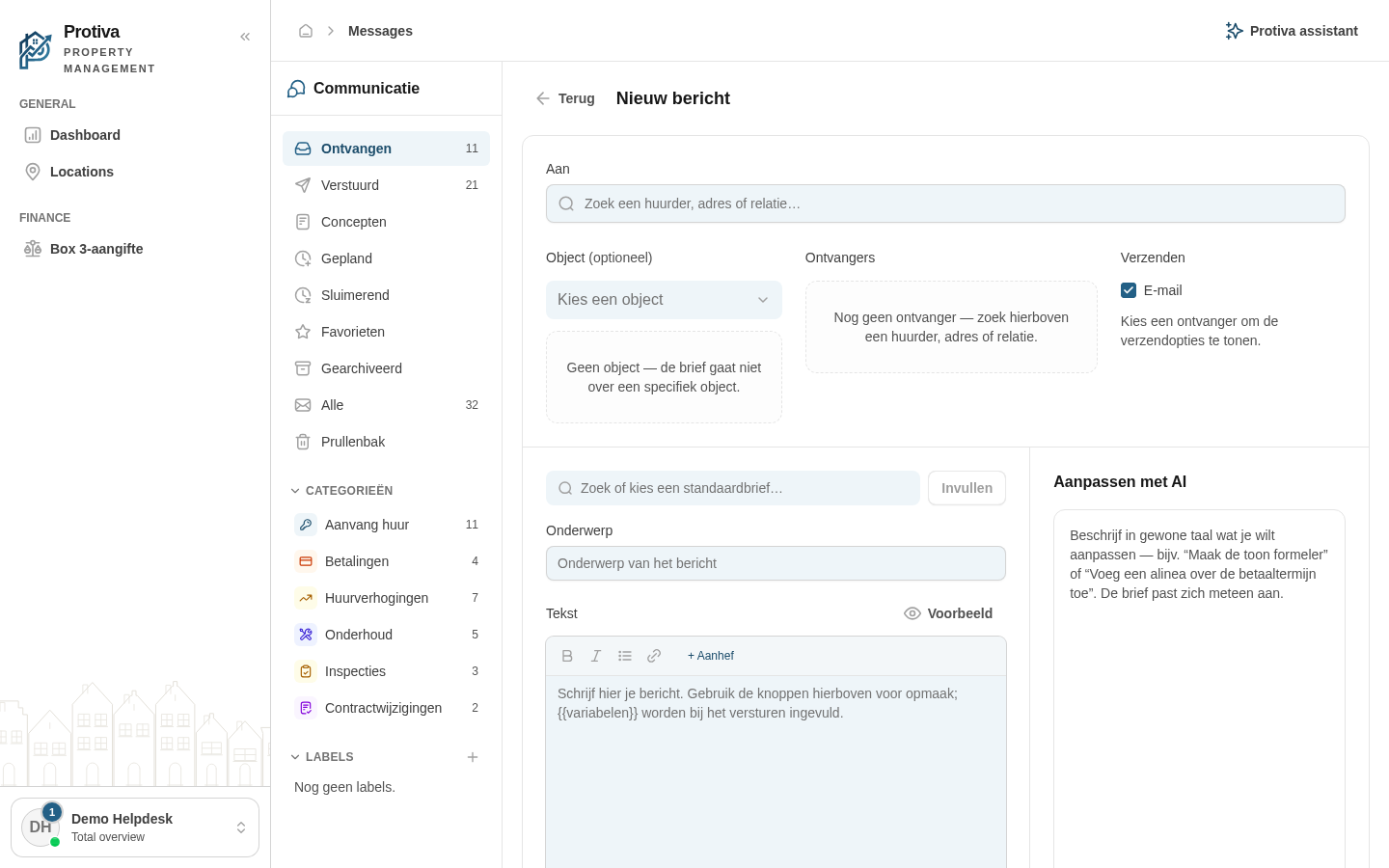
Go to Messages;
- Click Nieuw bericht;
- Search and select a recipient with a postal address in the Aan field;
- Under Verzenden, choose a delivery moment in the Per post — bezorgmoment dropdown;
- Choose a template or write the letter text manually;
- Click Versturen.
Sending by post is only available for recipients with a known postal address. Recipients without a postal address or free email addresses cannot be reached by post.