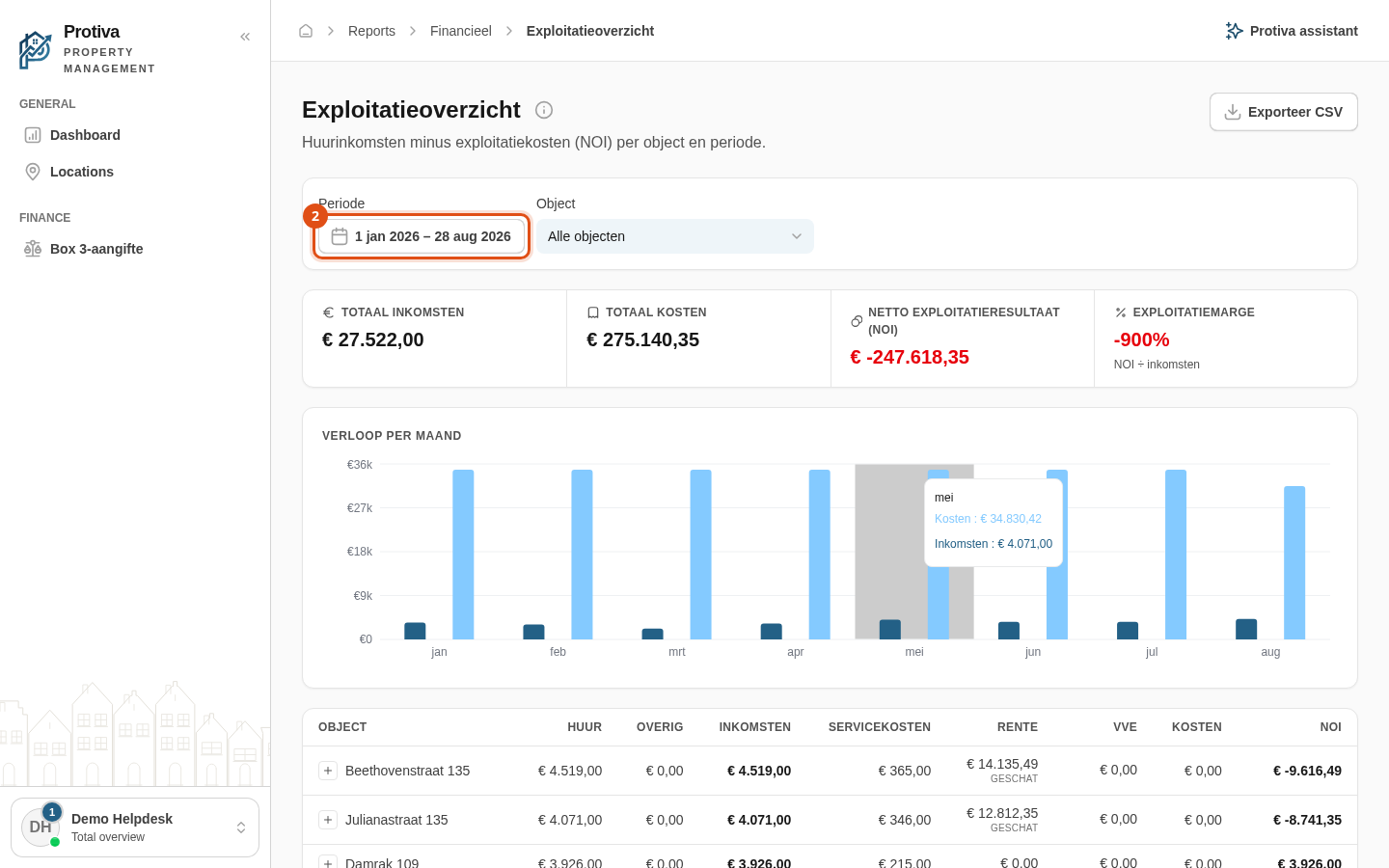
Select a period for the operating statement
The period filter lets you choose the time range for the operating statement. By default the report shows the current calendar year, but you can set any period you need.
Select a period
Go to Reports;
- Click the Periode button in the filter bar;
- Choose a period:
- Quick selection — click one of the preset periods in the left panel (for example Deze maand, Afgelopen maand, Dit jaar, Afgelopen jaar, Afgelopen 5 jaar, or Afgelopen 10 jaar);
- Manual — select a start date and end date in the calendar, or type the dates in the date fields at the bottom.
- Click Toepassen.
The report recalculates immediately for the chosen period. Click Annuleren to discard the change and keep the previous period.