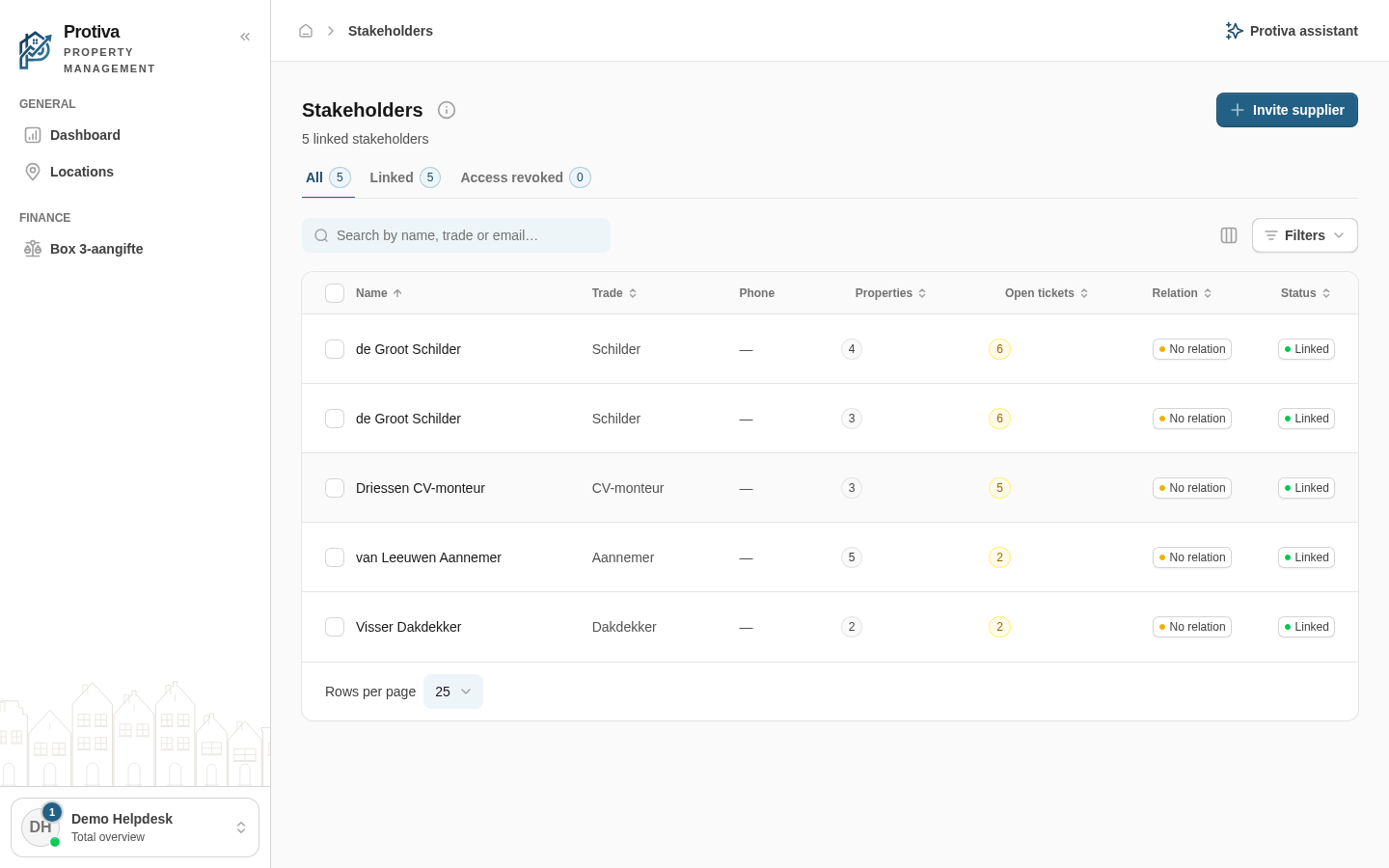
Revoke or reactivate access for multiple Stakeholders at once
Bulk actions let you revoke or reactivate access for multiple Stakeholders in one go, without opening each one individually.
Revoke or reactivate access for multiple Stakeholders
Go to Stakeholders;
- Select the checkboxes of the Stakeholders whose access you want to change;
- Choose the desired action in the bulk action bar:
- Revoke access — to revoke access for active Stakeholders:
- Review the list of names in the confirmation dialog;
- Click Revoke access to confirm.
- Reactivate — to reactivate revoked Stakeholders:
- Review the list of names in the confirmation dialog;
- Click Reactivate to confirm.
- Revoke access — to revoke access for active Stakeholders:
Stakeholders with the status "Invited" are skipped: bulk actions only apply to linked or revoked Stakeholders. After revoking, the selected Stakeholders immediately lose access to tickets and properties; after reactivating, they regain that access.