Reconcile a bank transaction against an invoice
By linking a bank transaction to a sales or purchase invoice you register the payment in your administration. The invoice is (partially) paid and the transaction disappears from the list of items to process.
Reconcile a transaction
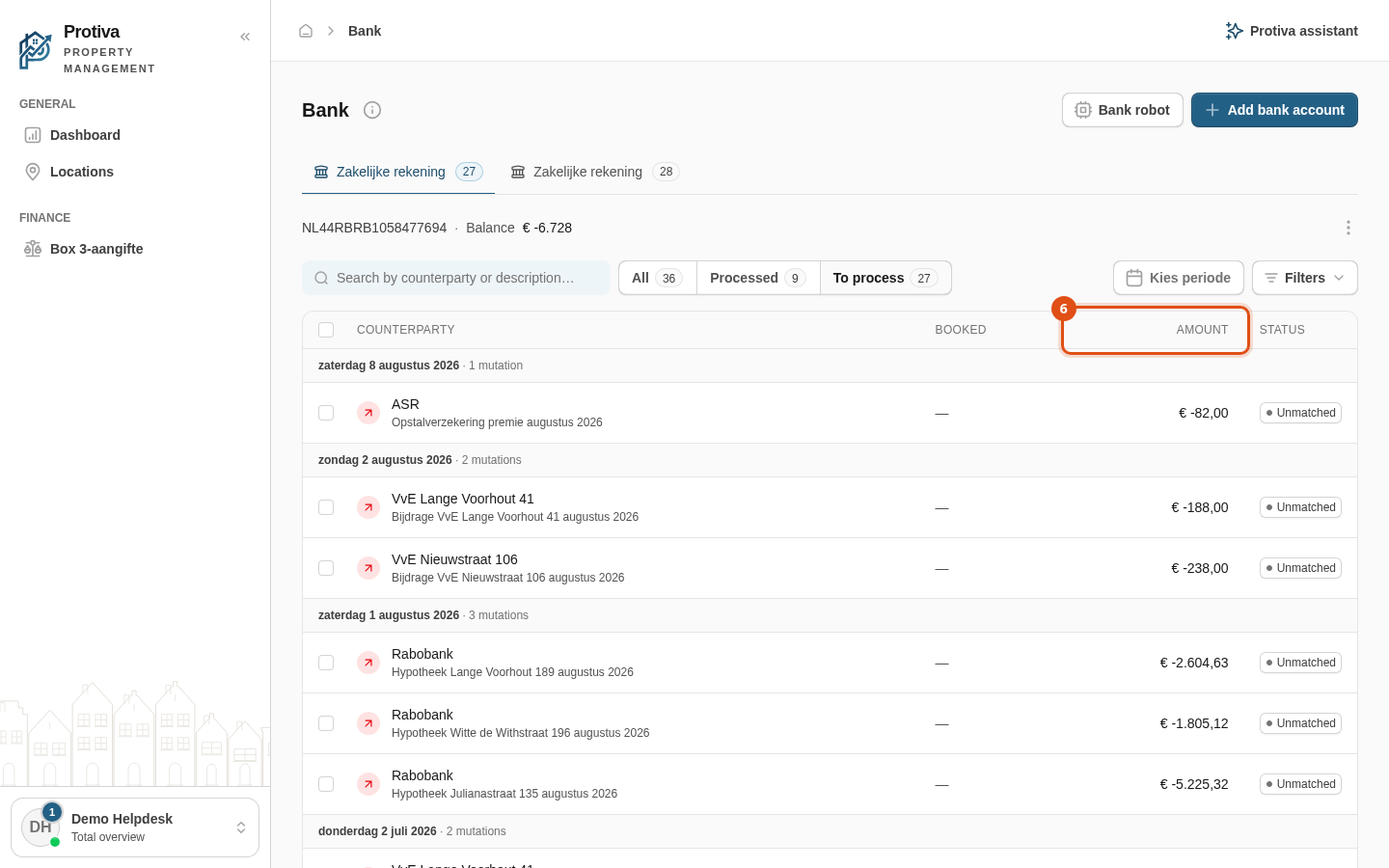
Go to Bank;
- Click the bank account the transaction belongs to;
- Click the transaction you want to reconcile to open the side panel;
- Choose the tab to search on:
- Sales — search for a sales invoice;
- Purchase — search for a purchase invoice.
- Click the invoice that matches the transaction to add a booking line;
- Check the amount in the Amount column and adjust it if only part of the transaction belongs to this invoice;
- Click Link & process.
After reconciling, the transaction receives the status Matched. If you did not link the full amount, the status remains Partially matched until the remaining amount is also processed.