View users and invitations
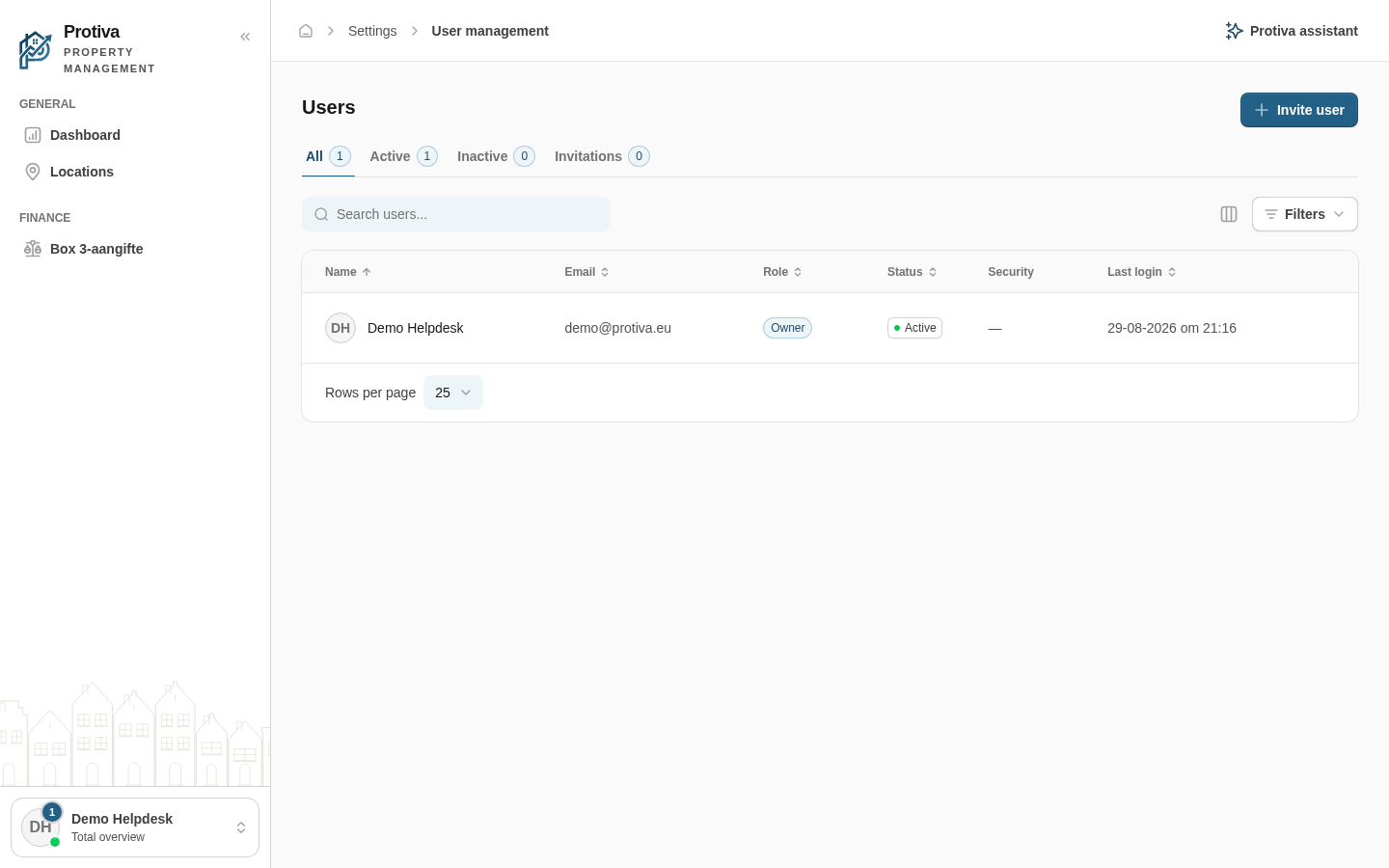
The Users page shows all members of your administration and pending invitations. Use the tabs and search field to quickly find the right person.
View and search the user list
Go to Settings;
- Use the All, Active, Inactive or Invitations tabs to filter the list by status;
- Type a name or email address in the search field to narrow down the list;
- Click a user to open the detail page.
The detail page shows the account status, two-factor authentication, creation date, last login and the user's personal details. Personal details are read-only — the user manages them via My Profile.