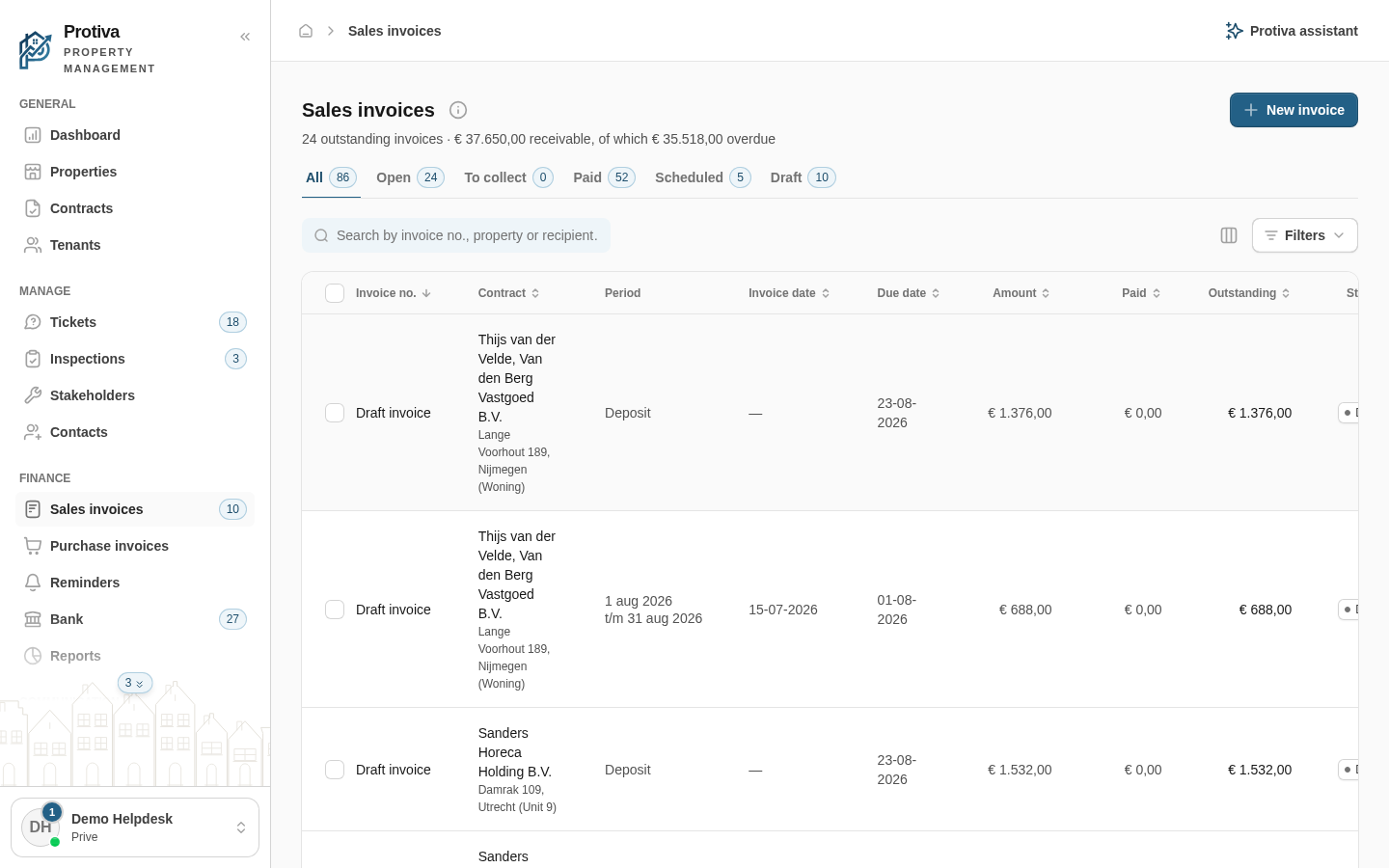
Offset invoices against each other
Offsetting writes invoices off against each other — for example a credit note against an outstanding invoice — without any money coming in.
Offset invoices
Go to Sales invoices;
- Select at least two outstanding invoices that cancel each other out (for example an invoice and the corresponding credit note);
- Click Settle in the action bar;
- Review the selected invoices and the Balance of the selection in the dialog;
- Click Settle to confirm the offset.
The balance must be zero before you can confirm. The invoices are written off against the Offset balance account — no payment is booked.