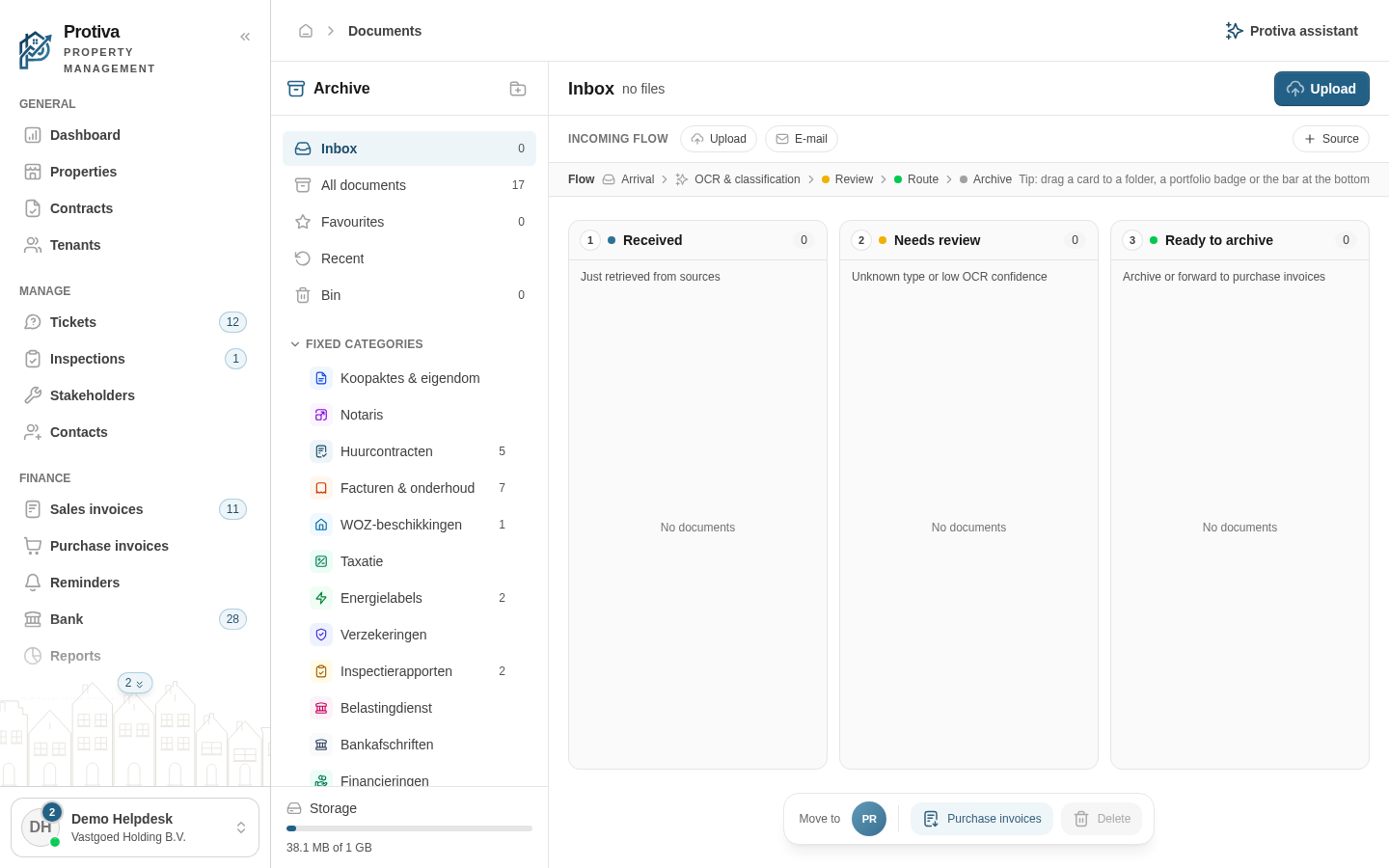
Move an inbox document to a different portfolio
When a document has arrived in the wrong inbox, you can drag and drop it to the inbox of another portfolio.
Move a document to another portfolio
Go to Documents;
- Make sure the Inbox view is active in the sidebar;
- Drag the document card you want to move to the circle of the desired portfolio in the bar at the bottom of the screen;
- Drop the card on the portfolio. The document is moved and the confirmation "Moved to the inbox of the other portfolio." appears.
The document disappears from the current inbox and is immediately visible in the inbox of the chosen portfolio.