Mark multiple purchase invoices as paid at once
Mark several purchase invoices as paid in one go. Protiva opens a dialog where you can adjust the paid amount per invoice before the payments are booked.
Settle multiple purchase invoices
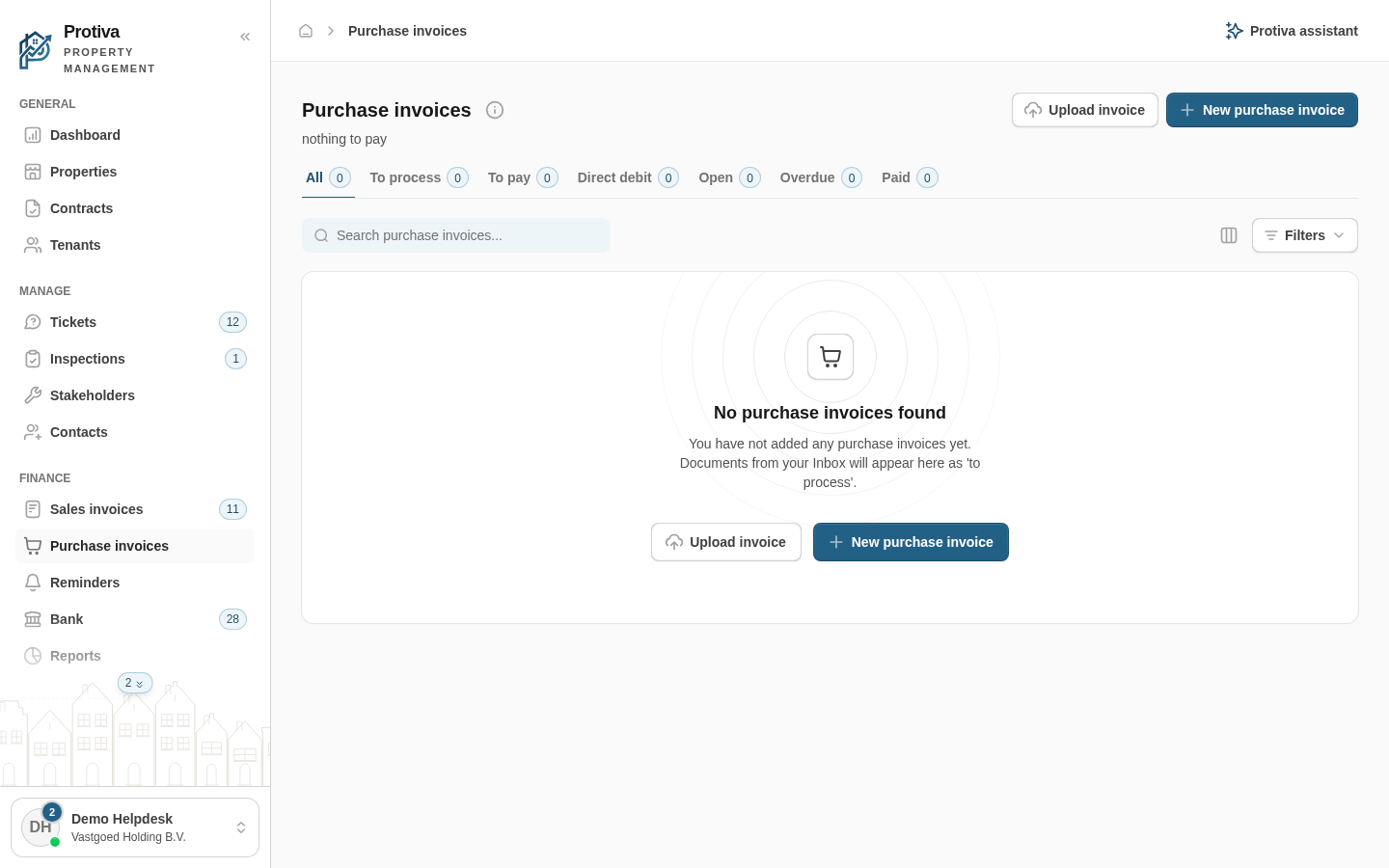
Go to Purchase invoices;
- Select the checkboxes of the purchase invoices you want to mark as paid;
- Click Mark as paid in the selection bar at the bottom of the screen;
- Review the pre-filled amount in the Amount paid column for each invoice and adjust where needed;
- Click Confirm.
Invoices with the status To process or Paid are automatically skipped. Edit an invoice via Edit first before you can settle it.