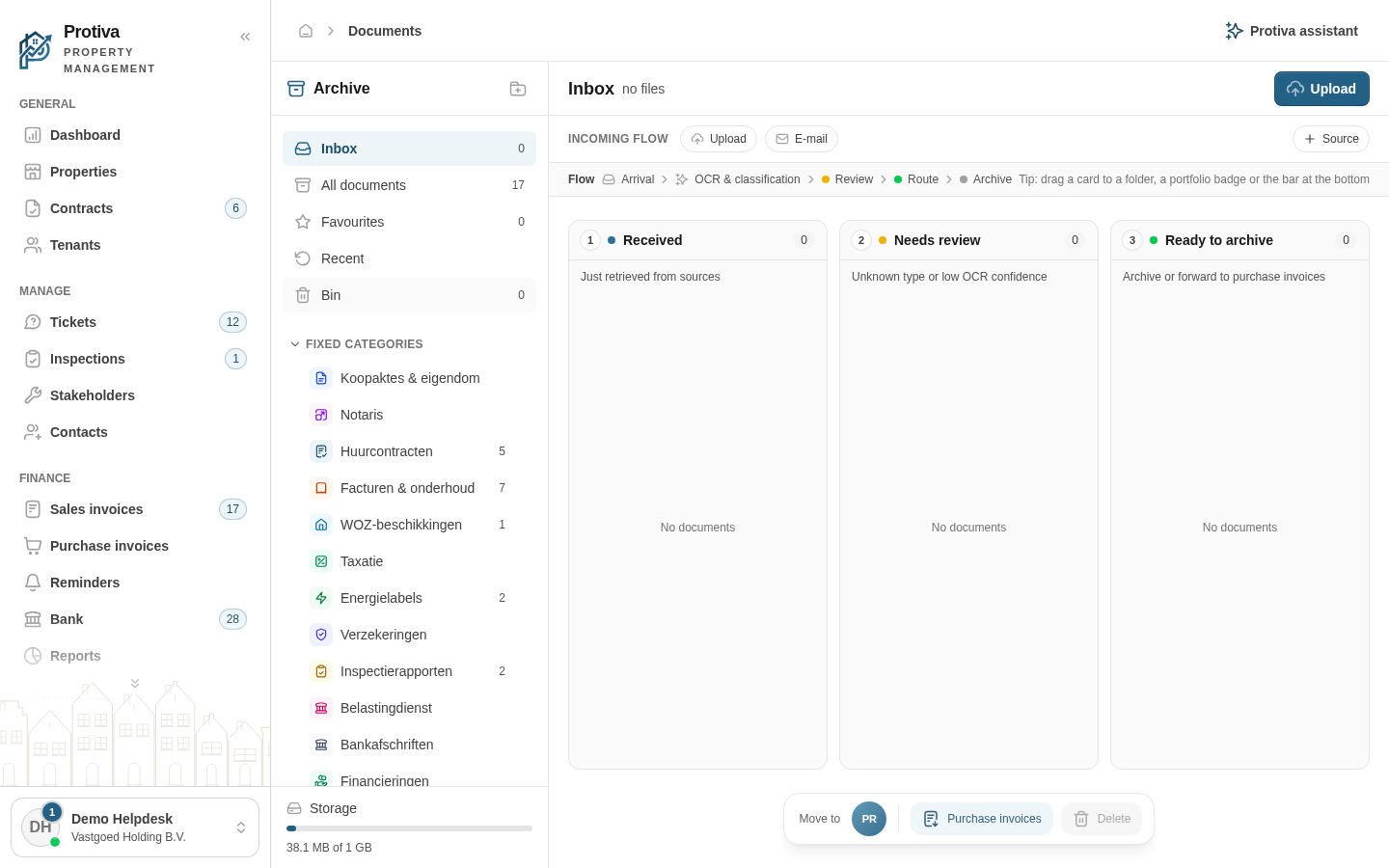
Mark favorites and restore documents from the trash
Mark important documents as a favorite so you can find them quickly, or restore accidentally deleted documents from the trash.
Mark or unmark a document as a favorite
Go to Documents;
- Click All documents in the sidebar or open a folder to view your documents;
- Click the star (Mark as favourite) on the document card or row to mark the document as a favorite. Click the star again (Remove from favourites) to remove the marking.
View favorites
- Click Favourites in the sidebar to see only your marked documents.
Restore a document from the trash
- Click Bin in the sidebar;
- Click the three-dot menu of the document you want to restore;
- Click Restore. The document is moved back to its original location.
Permanently delete a document
- Click Bin in the sidebar;
- Click the three-dot menu of the document;
- Click Delete permanently and confirm the action. The document is permanently removed and cannot be recovered.
You can also restore or permanently delete a document from the detail panel: click the document to open it and use the Restore or Delete permanently buttons at the bottom.