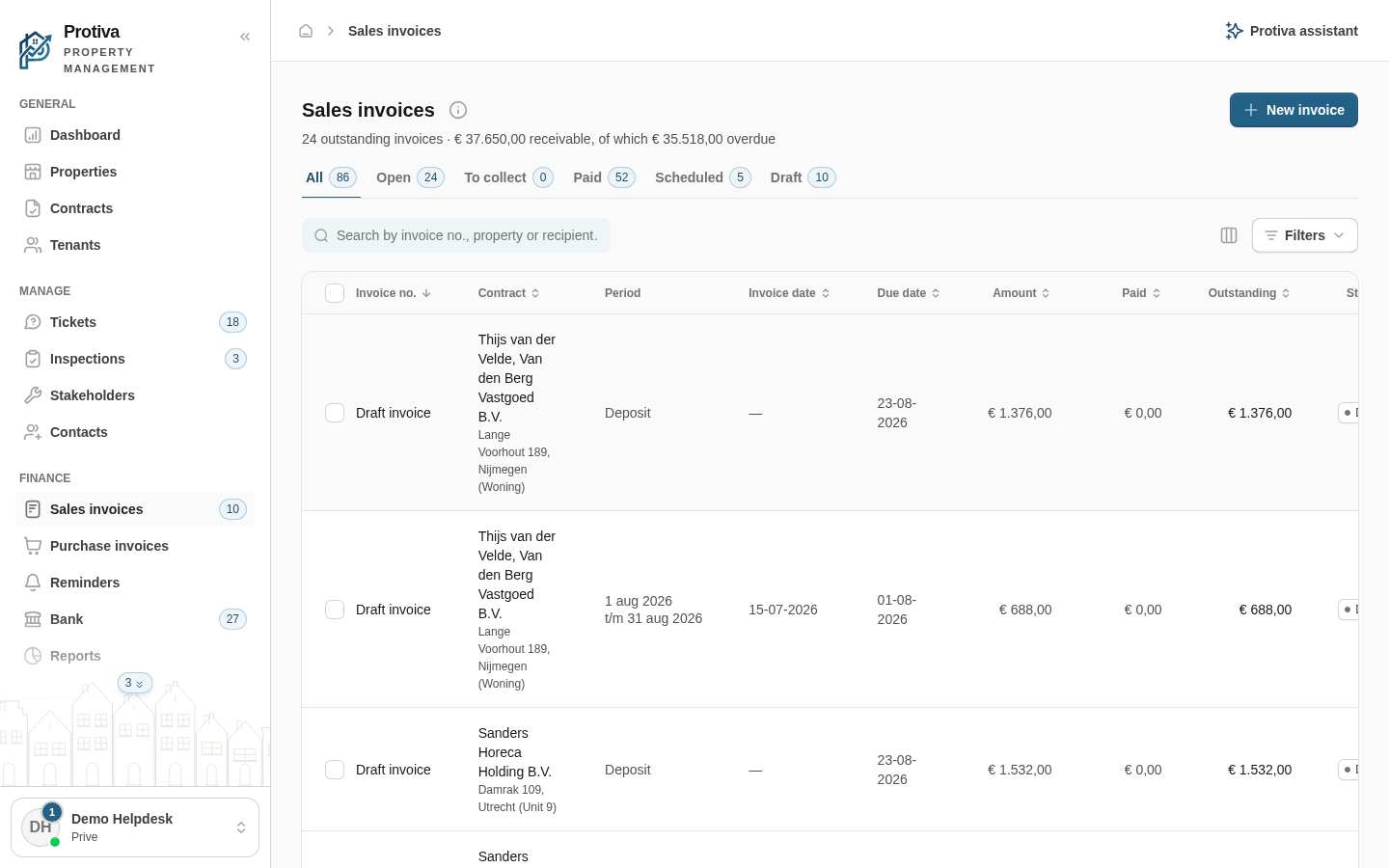
Mark an invoice as paid
Manually mark an outstanding invoice as paid when you have received a payment outside of Protiva. The open amount is pre-filled and can be adjusted.
Mark an invoice as paid
Go to Sales invoices;
- Click the invoice you want to mark as paid to open the detail panel;
- Click Mark as paid;
- For a credit invoice an intermediate step appears first. Choose:
- Settle against another invoice — you return to the invoice list to offset the credit invoice against another invoice;
- Clear anyway — the payment dialog opens and you book the amount directly.
- For a credit invoice an intermediate step appears first. Choose:
- Review or adjust the paid amount in the Amount paid field;
- Click Confirm.
The payment appears in the invoice log and the status is updated automatically.