Manage visiting and billing address of a portfolio
Each portfolio has a visiting address and optionally a separate billing address. The country of the visiting address is taken from the portfolio details and determines which address fields you see.
Fill in or change the visiting and billing address
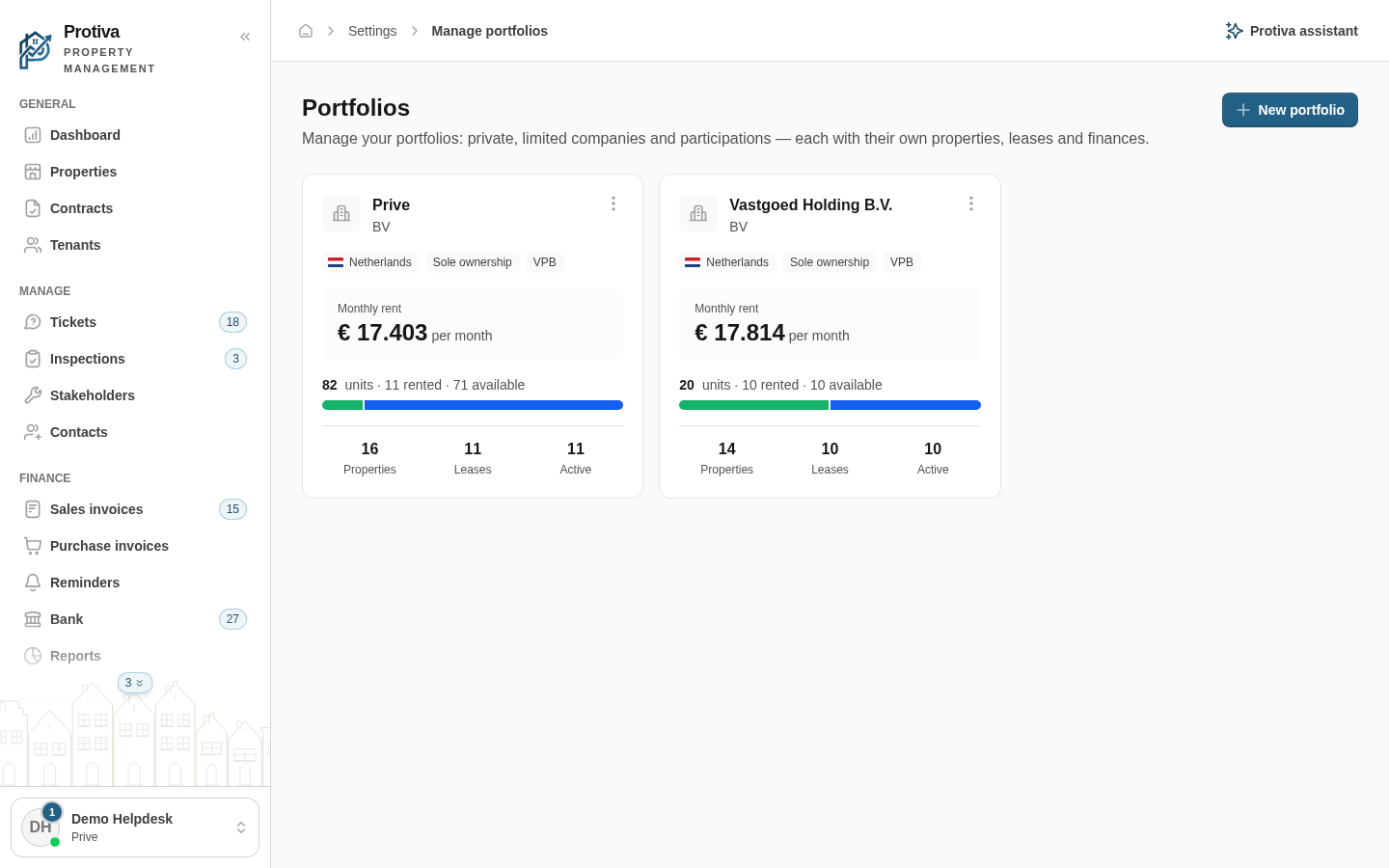
Go to Settings;
- Click the portfolio you want to edit;
- Scroll down to the Location — Address section;
- Fill in the address fields for the visiting address (optionally use the Search address field to look up an address and populate the fields automatically);
- If you want a different billing address, uncheck Billing address is the same as the visit address and fill in the fields under Billing address;
- Click Save.
The country of the visiting address is locked to the portfolio details and cannot be changed here. The billing address may use a different country — for example, when you invoice from a Dutch address for a foreign portfolio.