Manage provided financings
Provided financings let you record a loan you grant to a contact, including principal, interest and repayment schedule. Protiva calculates the schedule automatically and generates the monthly instalment notes.
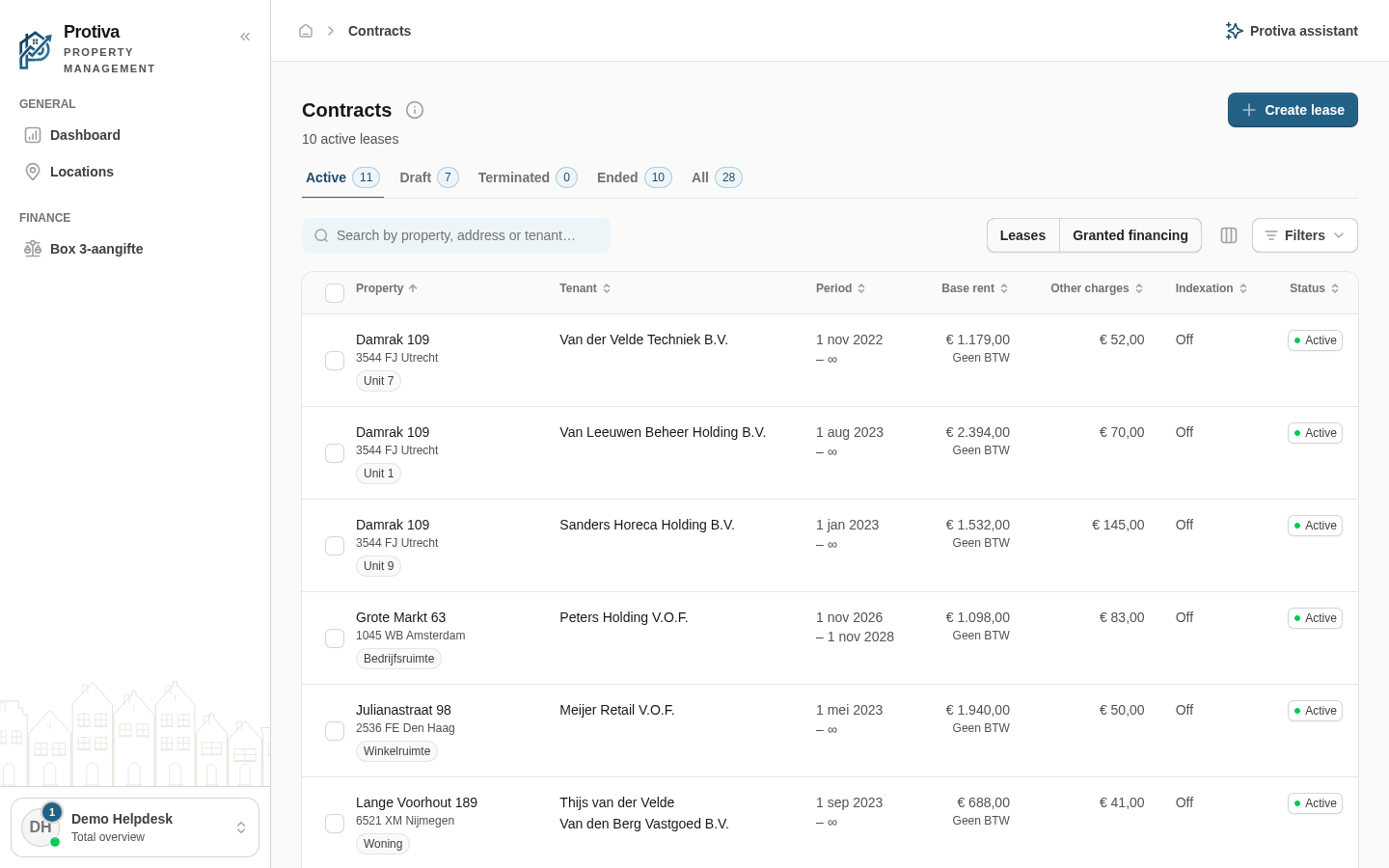
Open the provided financings list
Go to Contracts;
- Click Granted financing in the view switcher at the top of the list.
Create a provided financing
- Click Create financing;
- Fill in the loan details: select a contact at Borrower (relation), enter the Principal, the Reference / loan number, the Interest rate (% per annum), the Term (months) and the Repayment type;
- Save the financing.
Activate a provided financing
- Open a financing with the status Draft;
- Click Activate.
After activation Protiva automatically generates the monthly instalment notes according to the portfolio's invoicing settings.
Register an extra repayment
- Open an active financing;
- Go to the Repayment schedule tab;
- Click Extra repayment;
- Enter the Amount and the Date;
- Choose the desired effect on the remaining instalments at Effect on remaining instalments;
- Click Register.
The repayment schedule and future instalments are recalculated automatically.
Delete provided financings
- Select one or more financings in the list;
- Click Delete;
- Confirm the deletion in the dialog.