Manage passkeys
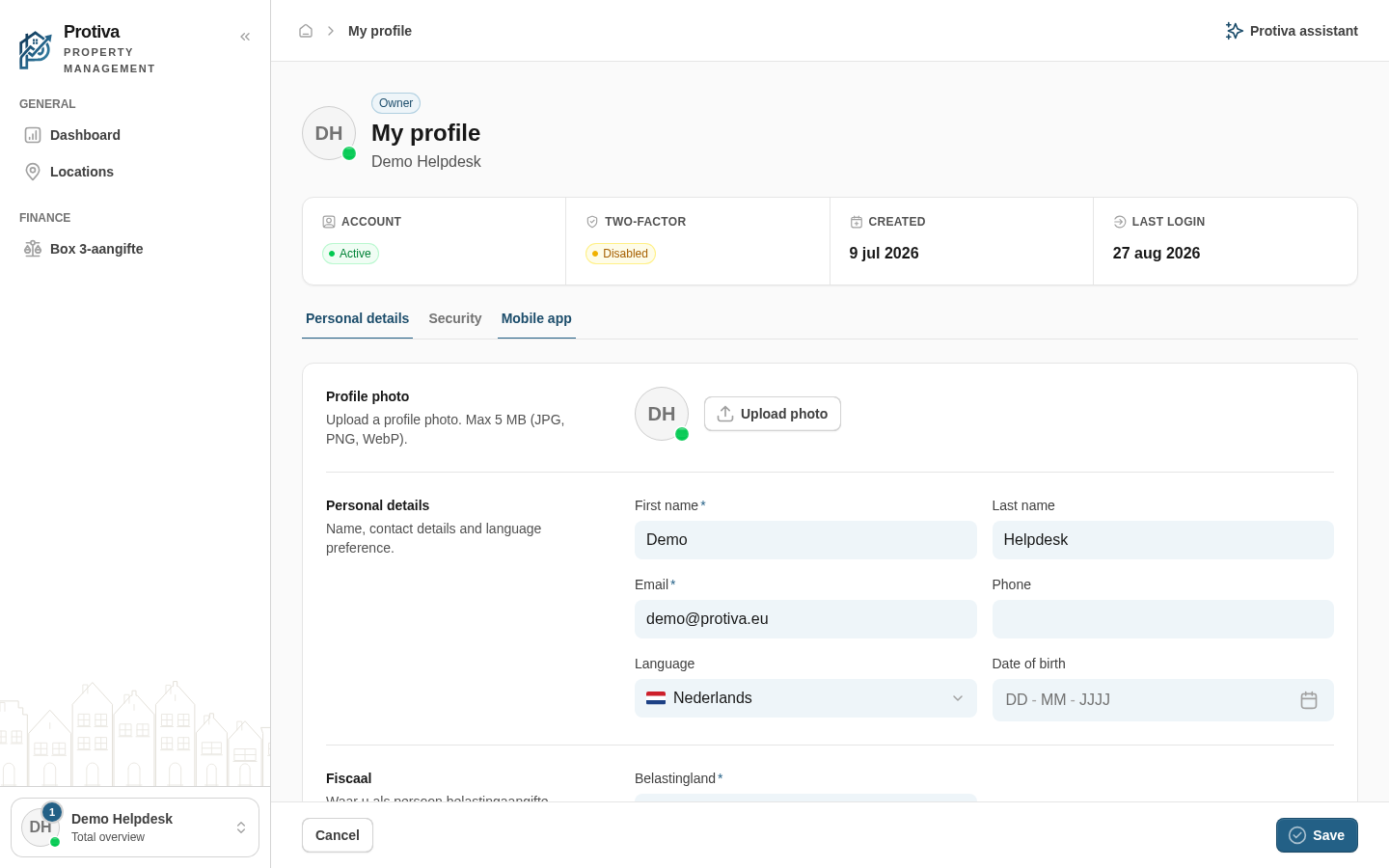
Passkeys let you sign in without a password, using Touch ID, Face ID or a security key. You can add and remove passkeys on the Security tab of your profile.
Add a passkey
- Click Create a new PassKey;
- Enter a Name for the passkey so you can later identify which device it belongs to;
- Click Add;
- Complete the verification in your browser or device's WebAuthn prompt (for example Touch ID or Face ID).
Remove a passkey
- Click the action menu (⋯) next to the passkey you want to remove;
- Click Delete;
- Click Delete in the confirmation dialog.
After removal you can no longer sign in with that passkey. This action cannot be undone.