Custom fields for contacts and tenants
With Custom fields you add extra data fields to contacts and tenants, so you can record information that does not fit in the standard fields.
Open Custom fields
Go to Settings;
- Click Custom fields.
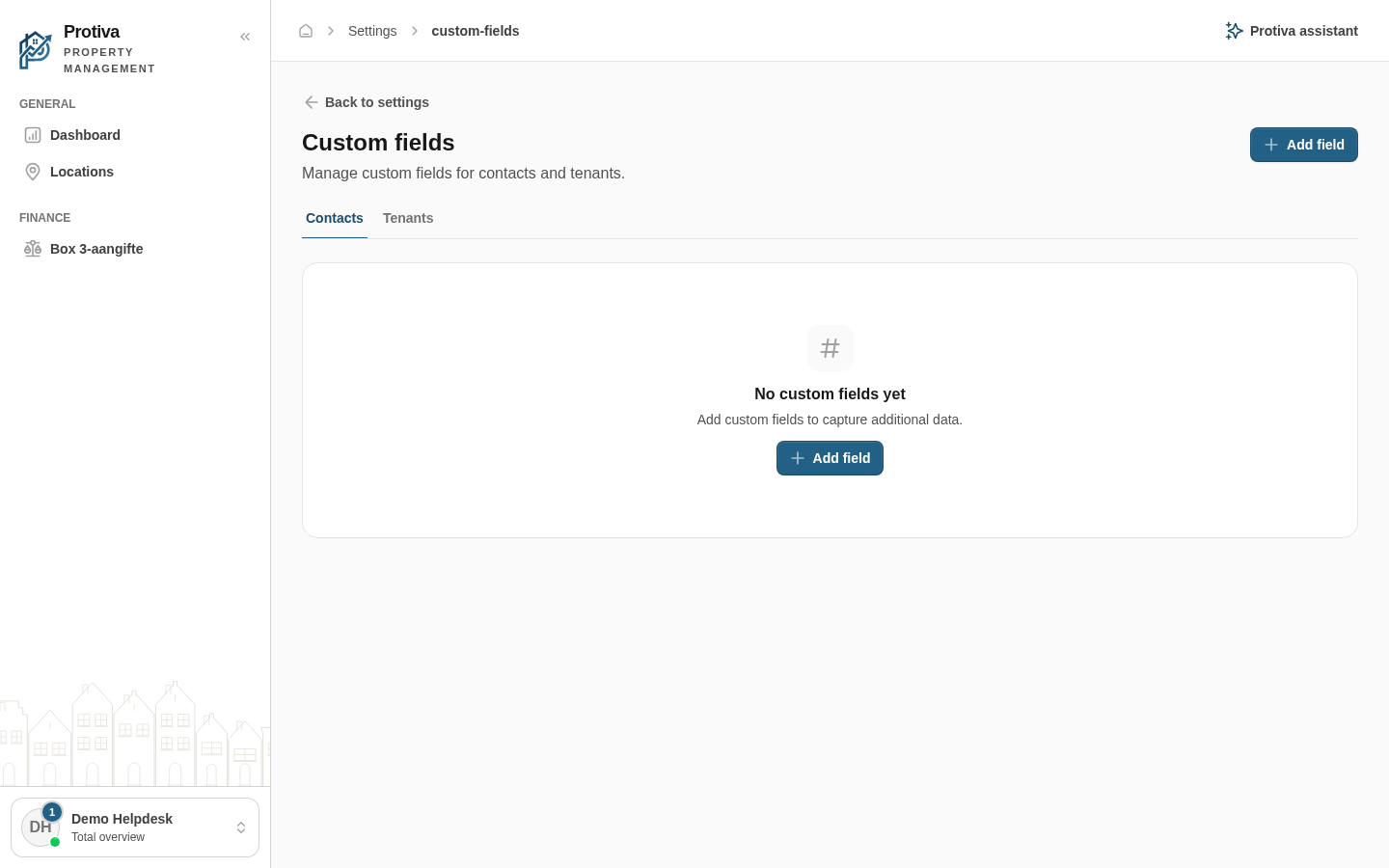
On this page you manage the custom fields available for contacts and tenants. You can add, edit and delete fields. Available field types include Text, Number, Date, Checkbox, Dropdown, Radio buttons and Text area.