Log in to the mobile app via QR code
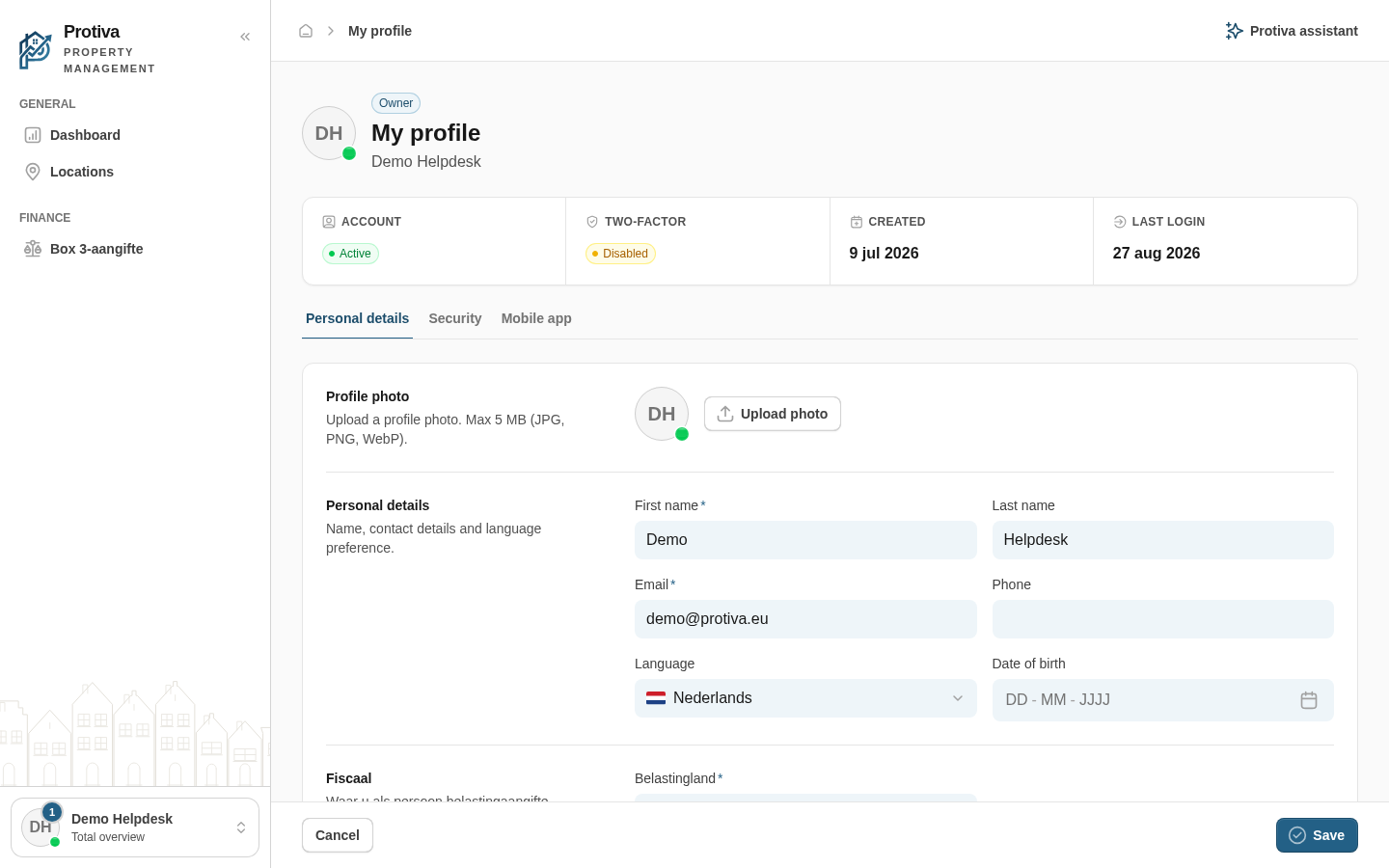
Use the QR login code on your profile page to sign in to the Protiva mobile app in a single scan, without entering your password.
Install the app
- Go to the Mobile app tab on your profile page;
- Download the Protiva app using the App Store or Google Play badge in the Download the app section.
Log in with the QR code
- Open the Log in with QR code section — a QR code with a countdown timer appears automatically;
- Open the Protiva app on your phone and choose "Scan QR code";
- Scan the QR code on your screen to log in automatically.
If the code has expired, click Refresh code to generate a new code.