Link a manual account to Ponto afterwards
If you previously added a bank account manually, you can still link it to your bank via Ponto. This way you will automatically receive transactions on that account from now on.
Link the account via Ponto
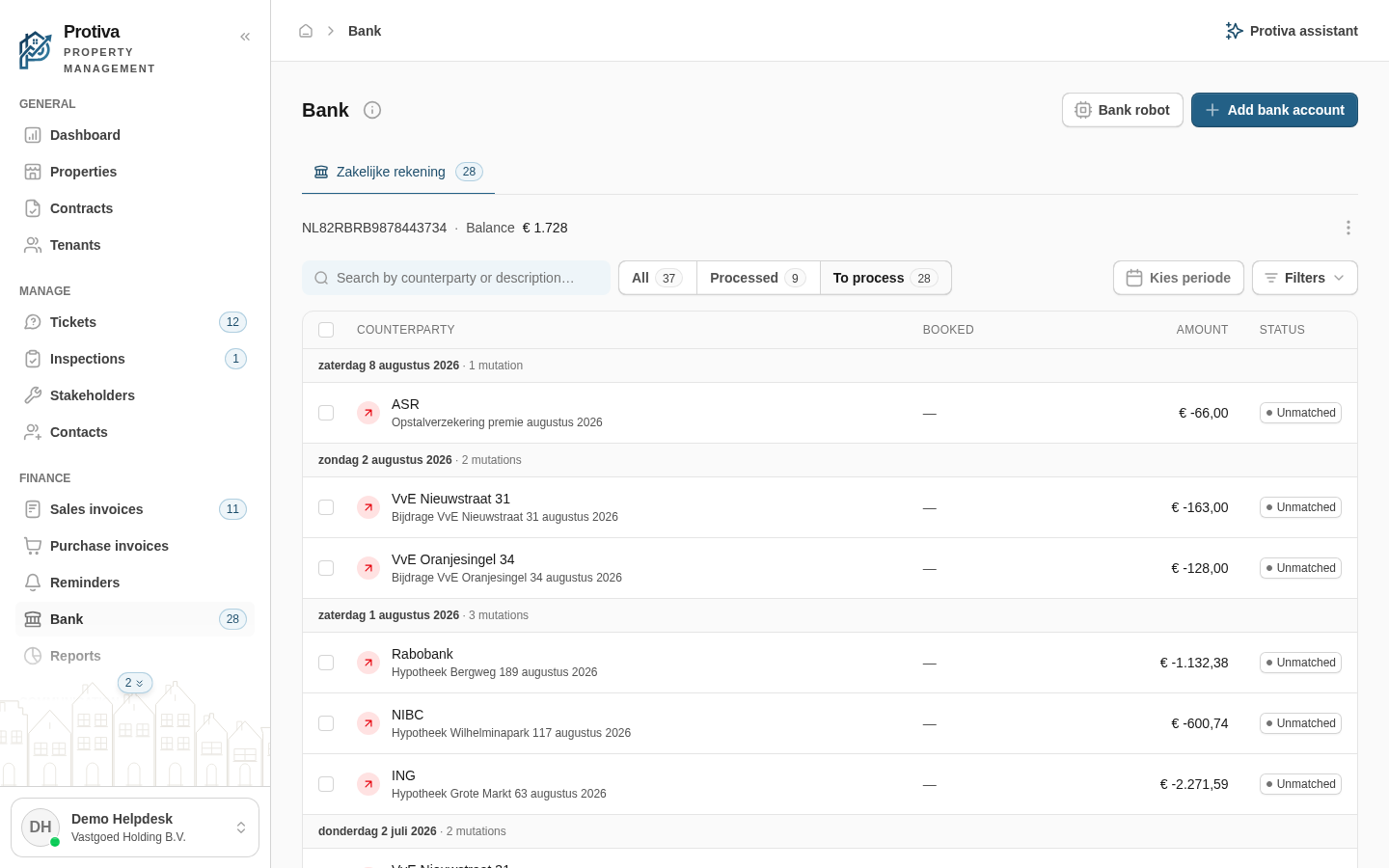
Go to Bank;
- Click the tab of the account you want to link;
- Click the three-dot menu (⋮) in the account header;
- Click Connect;
- Read the explanation about the Ponto connection and the warning to keep all accounts ticked;
- Click Continue to Ponto to go to Ponto's secure environment. Your browser will be redirected; after completion you will automatically return to Protiva.
The Connect option only appears for accounts that were added manually. Accounts already linked via Ponto show the sync button instead.