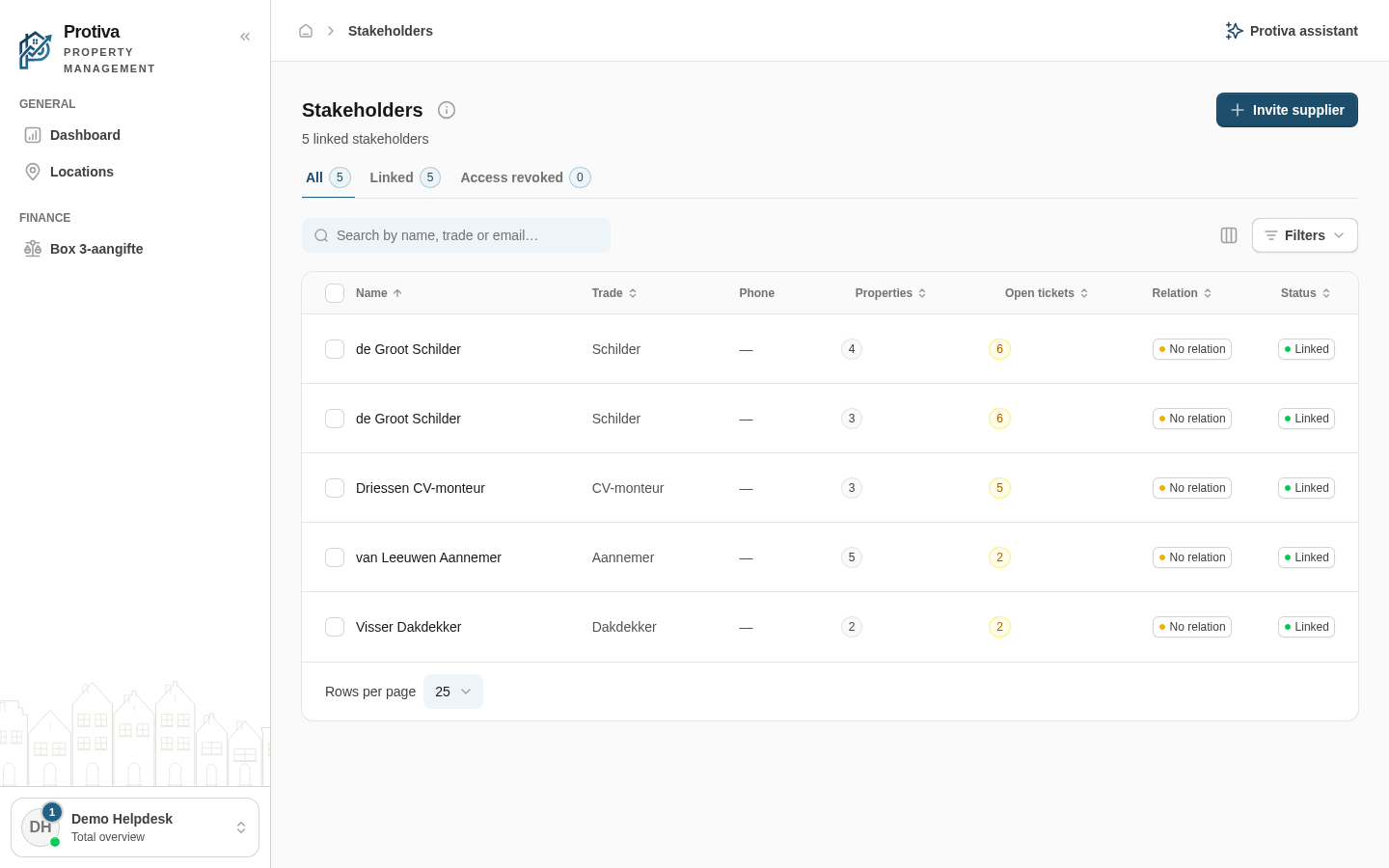
Invite a stakeholder
Invite an external party (such as a plumber or electrician) so you can link them to your account and assign tickets and property access.
Invite a stakeholder
Go to Stakeholders;
- Click Invite supplier;
- Fill in the Name field;
- Fill in the Trade field;
- Enter an Email address, a Phone number (for SMS), or both — at least one is required. If both are provided, the stakeholder receives the same invitation link by email and SMS;
- Click Send invitation.
The stakeholder receives a link to connect access to the stakeholder portal to your account. You can track the invitation status in the overview.