Generate a logo with AI
The AI logo generator lets you design a professional logo in your brand colours within minutes, without a graphic designer.
Open the AI logo generator
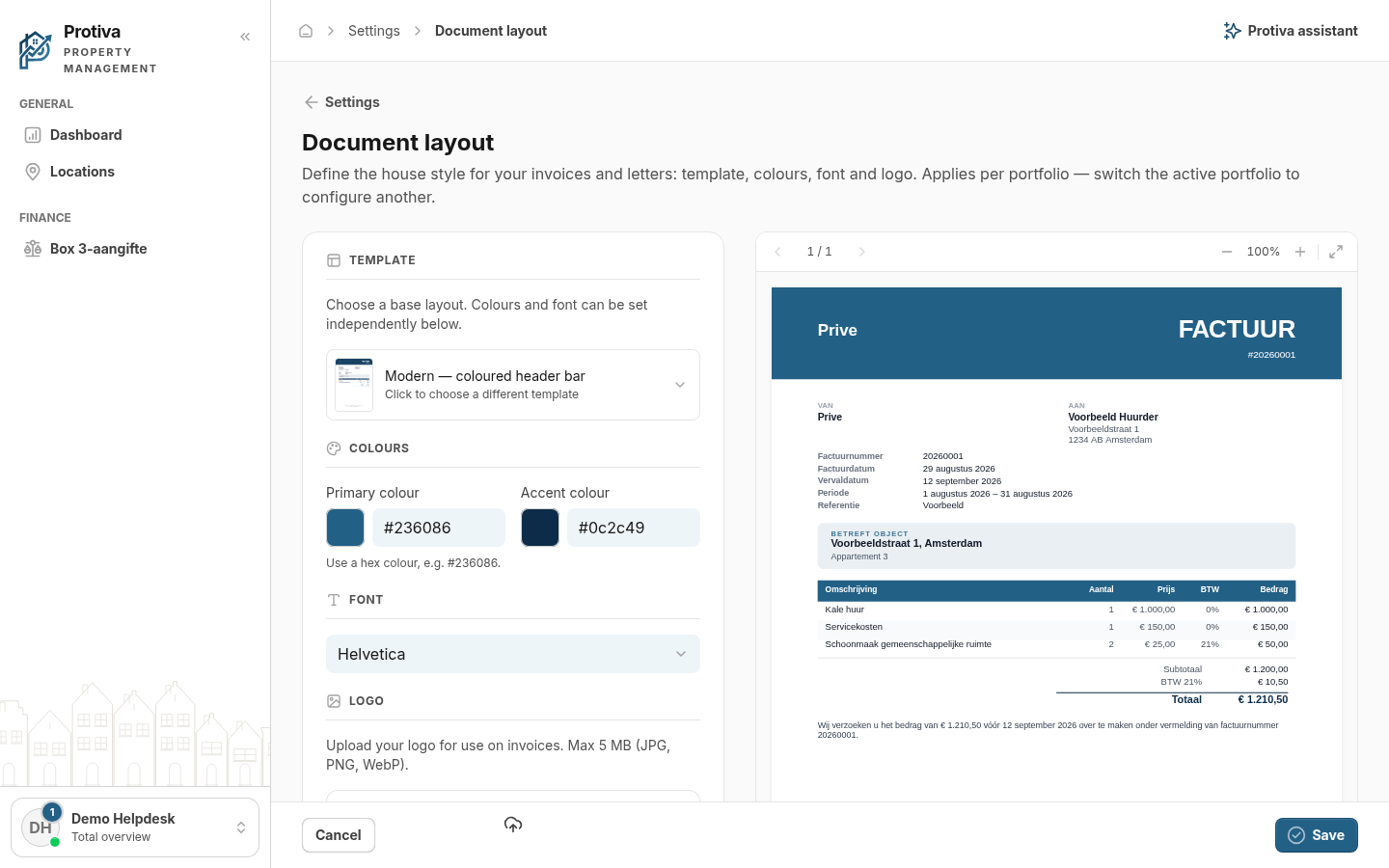
Go to Settings;
- In the Logo section, click Generate with AI.
Generate and apply a logo
- Check that the Company name is correct and adjust it if needed;
- Optionally enter a Description, for example the type of business;
- Optionally describe your idea in the Your idea (optional) field — leave it empty and the AI will come up with four directions on its own;
- Choose a Style from the dropdown;
- Modern — sleek and contemporary;
- Minimal — as little detail as possible;
- Classic — traditional and timeless;
- Bold — large and eye-catching.
- Optionally enable Free colours (full colour) to let the AI choose its own colour palette instead of your brand colours;
- Optionally enable Negative variant (for dark background) for a light logo on a dark background;
- Click Generate logos and wait for the suggestions to appear;
- Click Use this logo below the preferred suggestion to set it as your invoice logo.
The chosen logo is automatically saved in the document archive. If none of the suggestions appeal to you, click Regenerate for a new set. Remember to save the document template afterwards.