Find and fill missing WOZ or market values
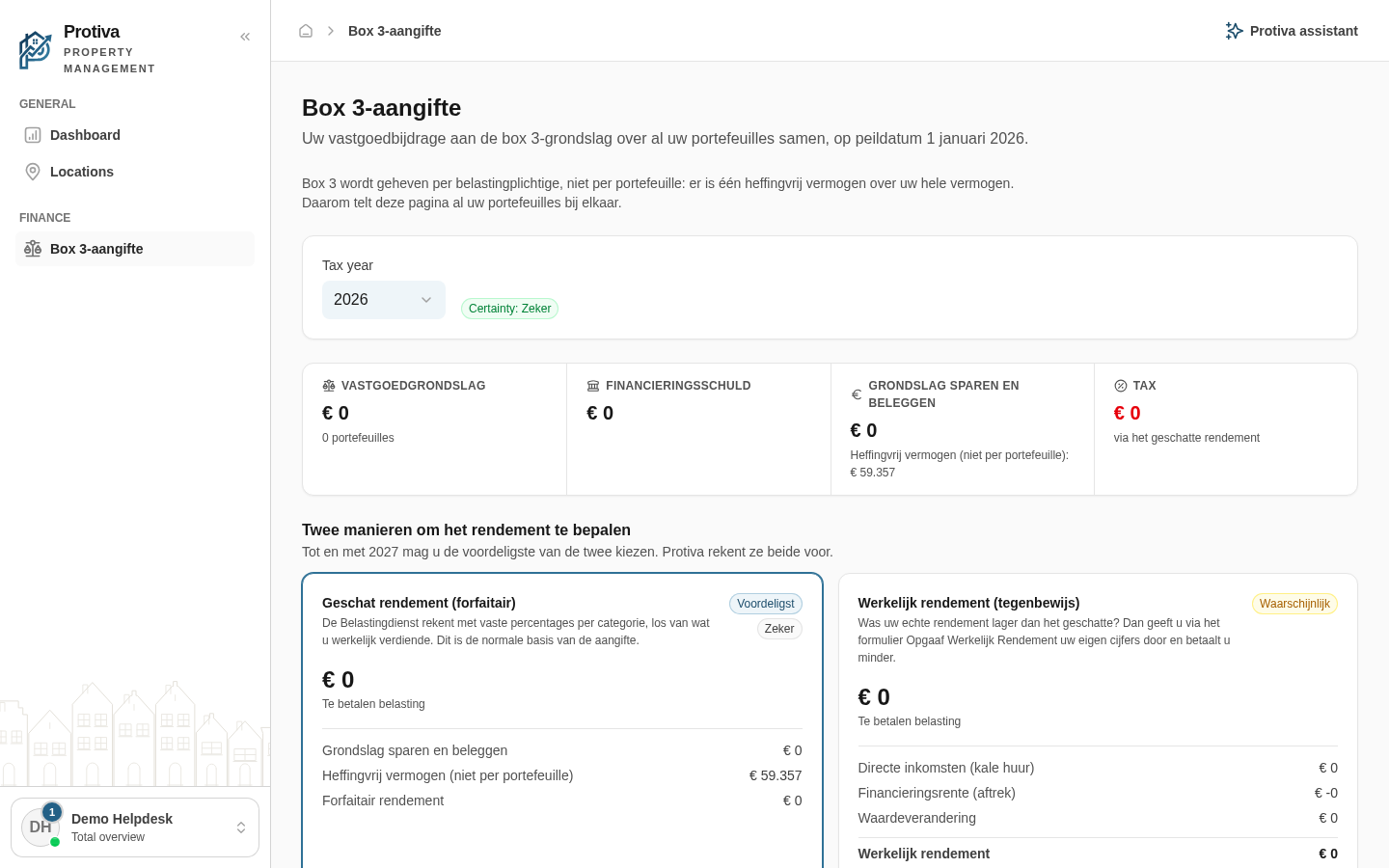
Protiva flags properties that count as € 0 in the box 3 tax base because a WOZ value or market value is missing. Using the warnings on this page you can see exactly which properties are affected and navigate to them directly.
Find missing values
Go to box 3 return;
- Review the model cards under Two ways to determine the return. A yellow warning appears when properties are not fully included;
- Click Which properties? in the warning;
- In the Properties with missing data dialog, review which properties are missing data and why;
- Click Go to property next to the property you want to update. The property opens in a new tab where you can enter the WOZ value or market value;
- Return to the box 3 return page. The calculation updates automatically once the value has been saved.
There are two types of warnings: for Dutch properties the WOZ value is missing, and for foreign properties the market value as of 1 January is missing. Foreign properties have no WOZ — you enter the market value yourself on the property.