Filter payments by who booked them
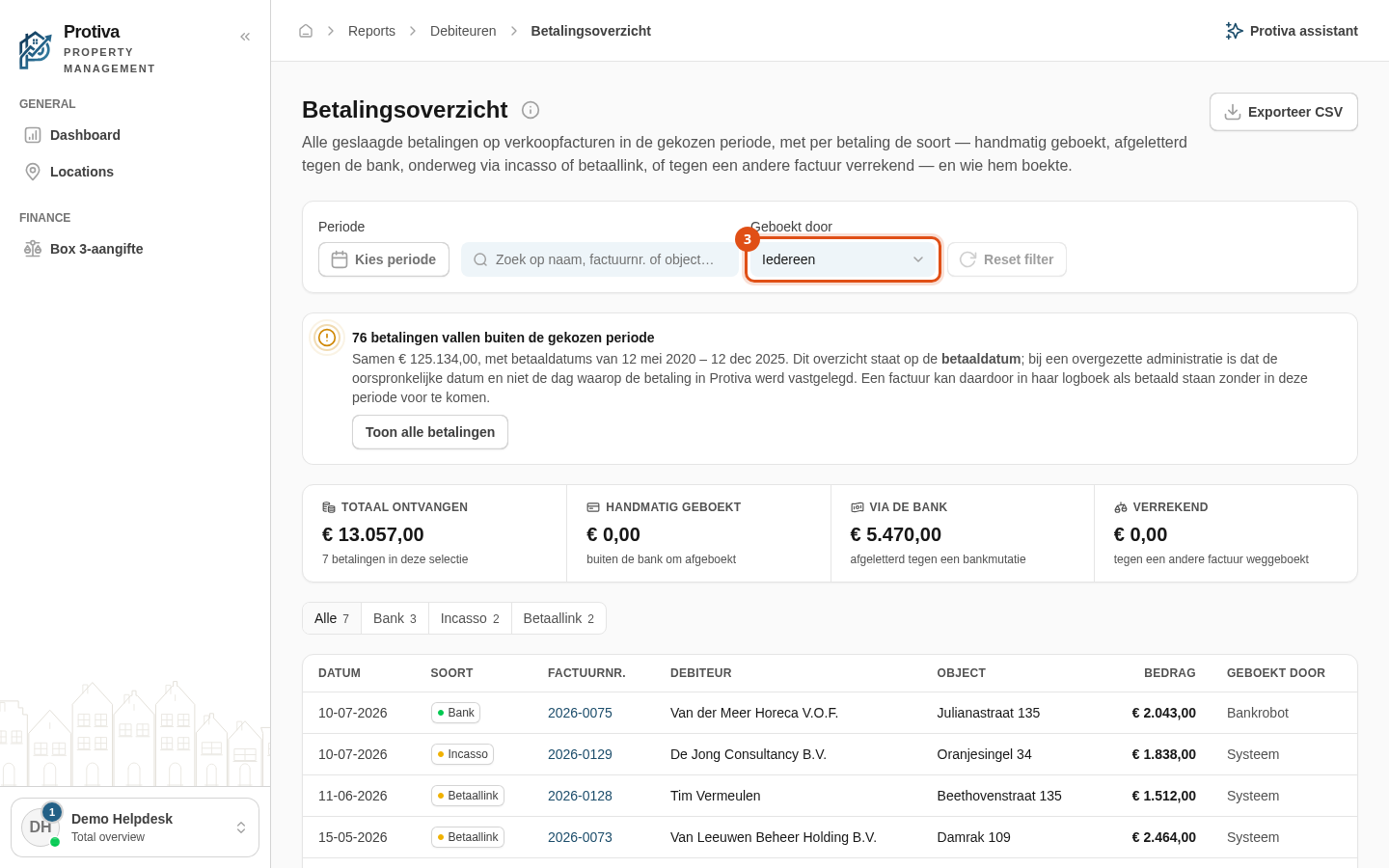
Use the Booked by filter to narrow the payment overview to payments booked by a specific source: a user, the Bank robot, or the system.
Filter payments by who booked them
Go to Reports;
- Open the Payment overview;
- Open the Booked by dropdown in the filter bar;
- Select the desired option:
- Everyone — shows all payments (default);
- A user — shows only payments manually booked by a user;
- Bank robot — shows only payments automatically matched by the Bank robot;
- System — shows only payments created by a cron job or the payment provider's webhook.
The overview updates immediately. Click Reset filter to restore all filters to their default values.