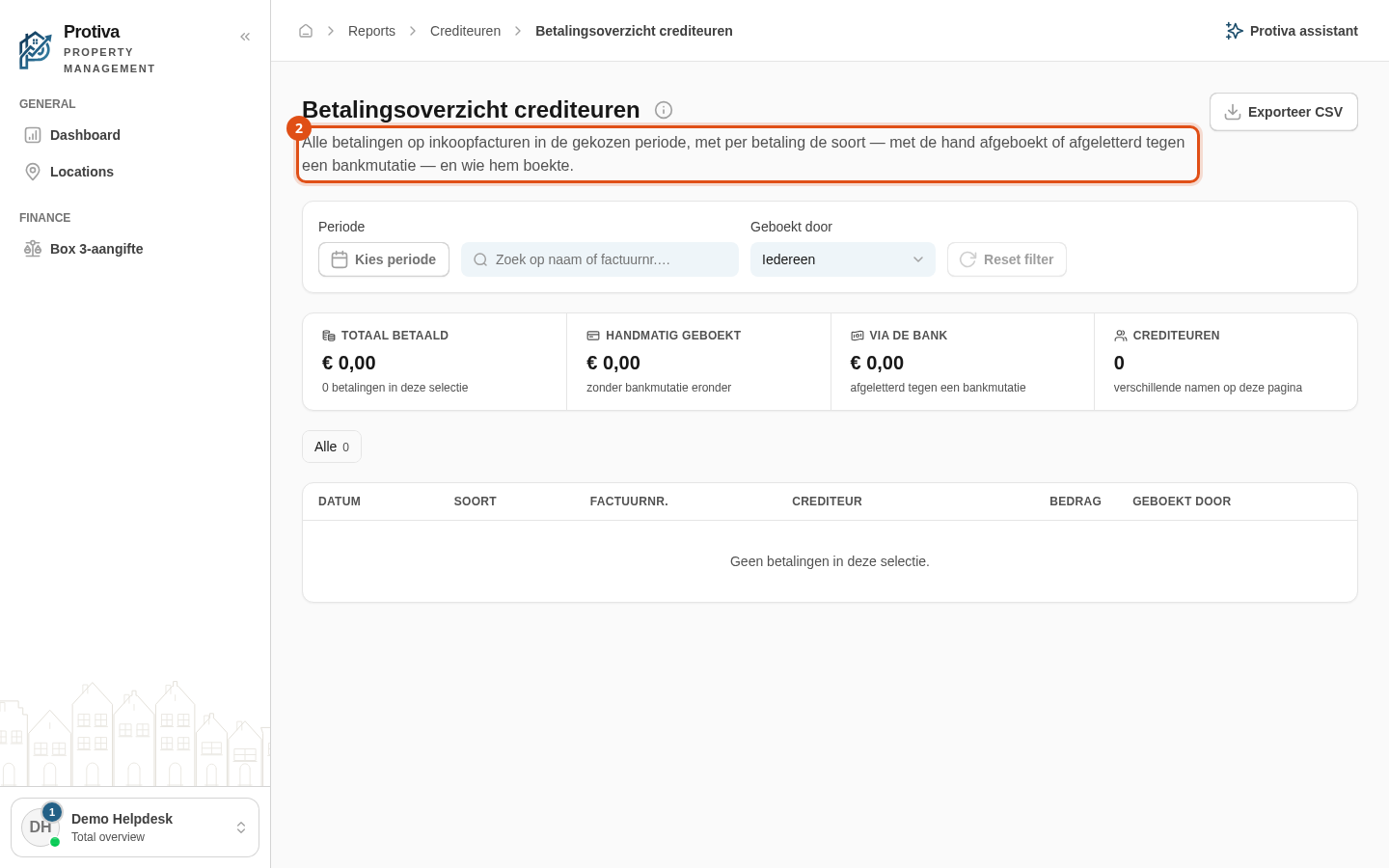
Filter creditor payments by kind
Use the kind filter to narrow the creditor payment register to only manual write-offs or only bank payments, so you can quickly see how payments were processed.
Filter payments by kind
Go to Reports;
- Click the desired kind in the button bar above the table:
- Alle — shows all payments regardless of kind;
- Handmatig — shows only payments that were manually written off without an underlying bank transaction;
- Bank — shows only payments that were matched against a bank transaction.
Each kind shows the number of payments in the current selection. The filter works together with the other filters on the page; every change automatically returns you to the first page.