Filter payments by kind
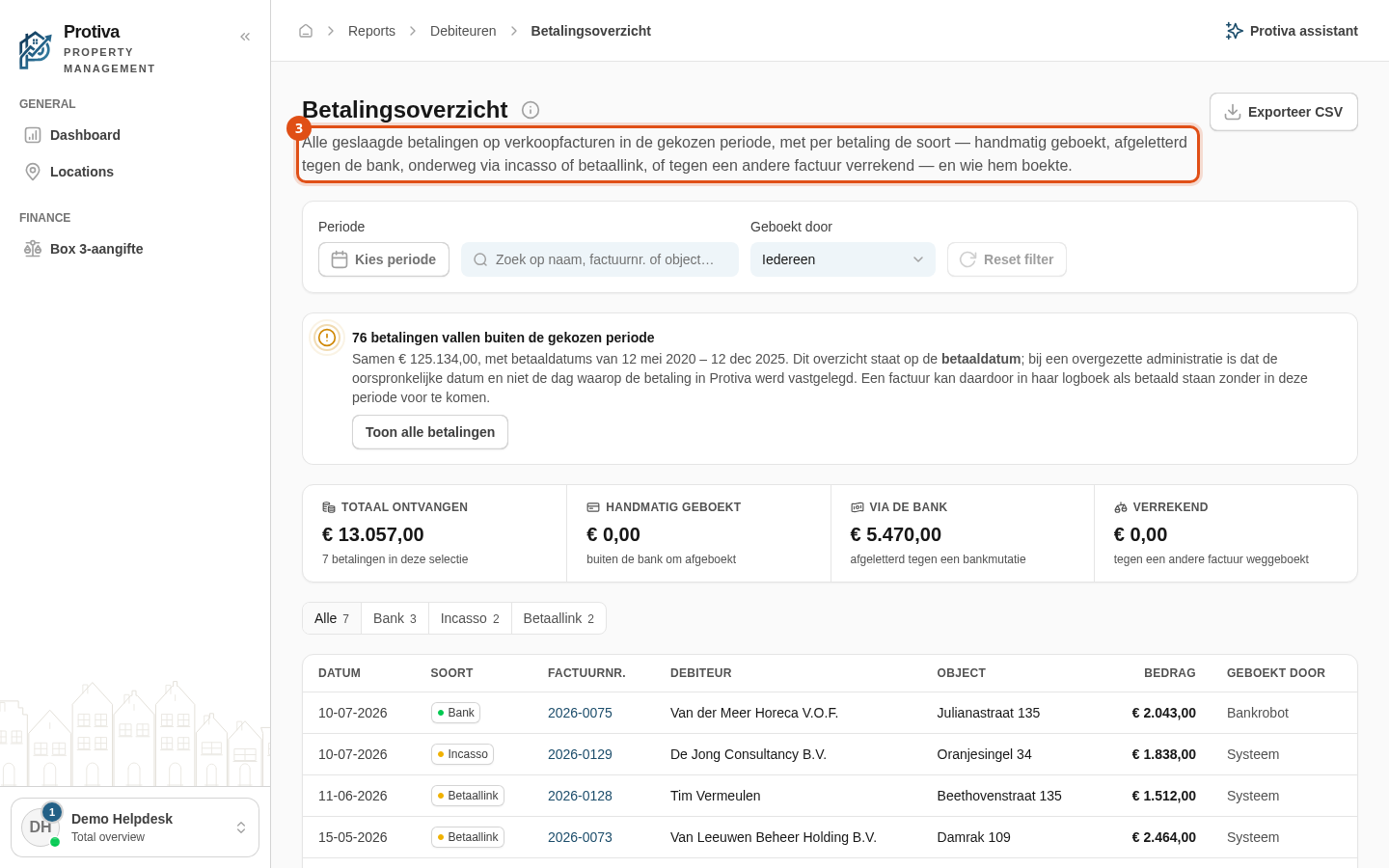
Use the kind filter to narrow the payment register to a single payment method, so you can quickly see how much was received via the bank, manually, by direct debit, by payment link or through offsetting.
Filter payments by kind
Go to Reports;
- Open the payment register;
- Click the desired kind in the button bar above the table — choose from Alle, Handmatig, Bank, Incasso, Betaallink or Verrekening.
The table, the total row and the KPI tiles immediately adjust to the selected kind. Only kinds that have payments in the chosen period are shown as a button. Each button displays the number of payments of that kind.