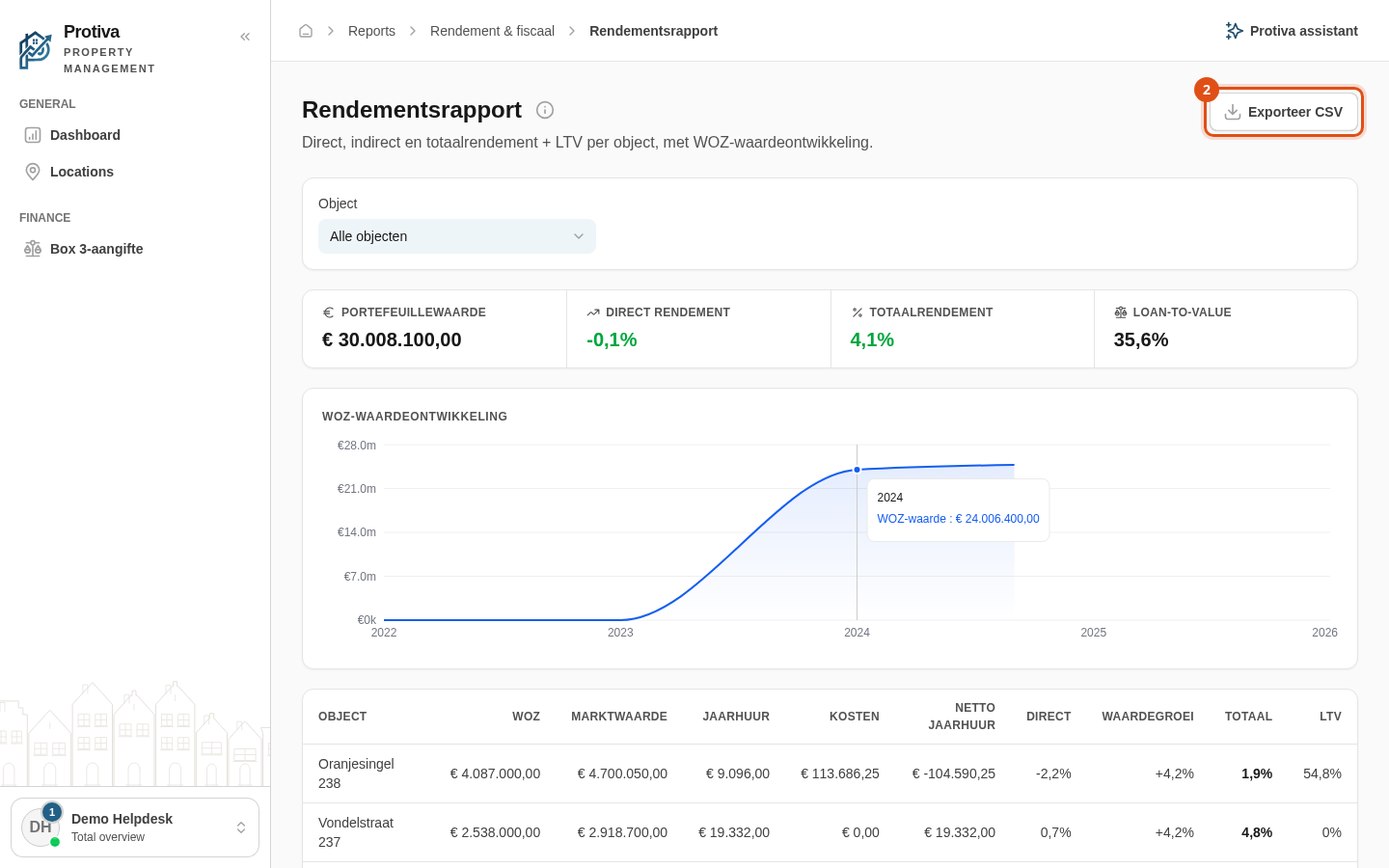
Export the yield report as CSV
Export the yield report as a CSV file so you can analyse the yield and LTV figures in Excel or another spreadsheet application.
Export the report
Go to Reports;
- Click Exporteer CSV.
The CSV file is downloaded immediately and contains the columns Object, WOZ value, Market value, Annual rent, Annual costs, Net annual rent, Debt, Direct %, Value growth %, Total % and LTV % for each property.