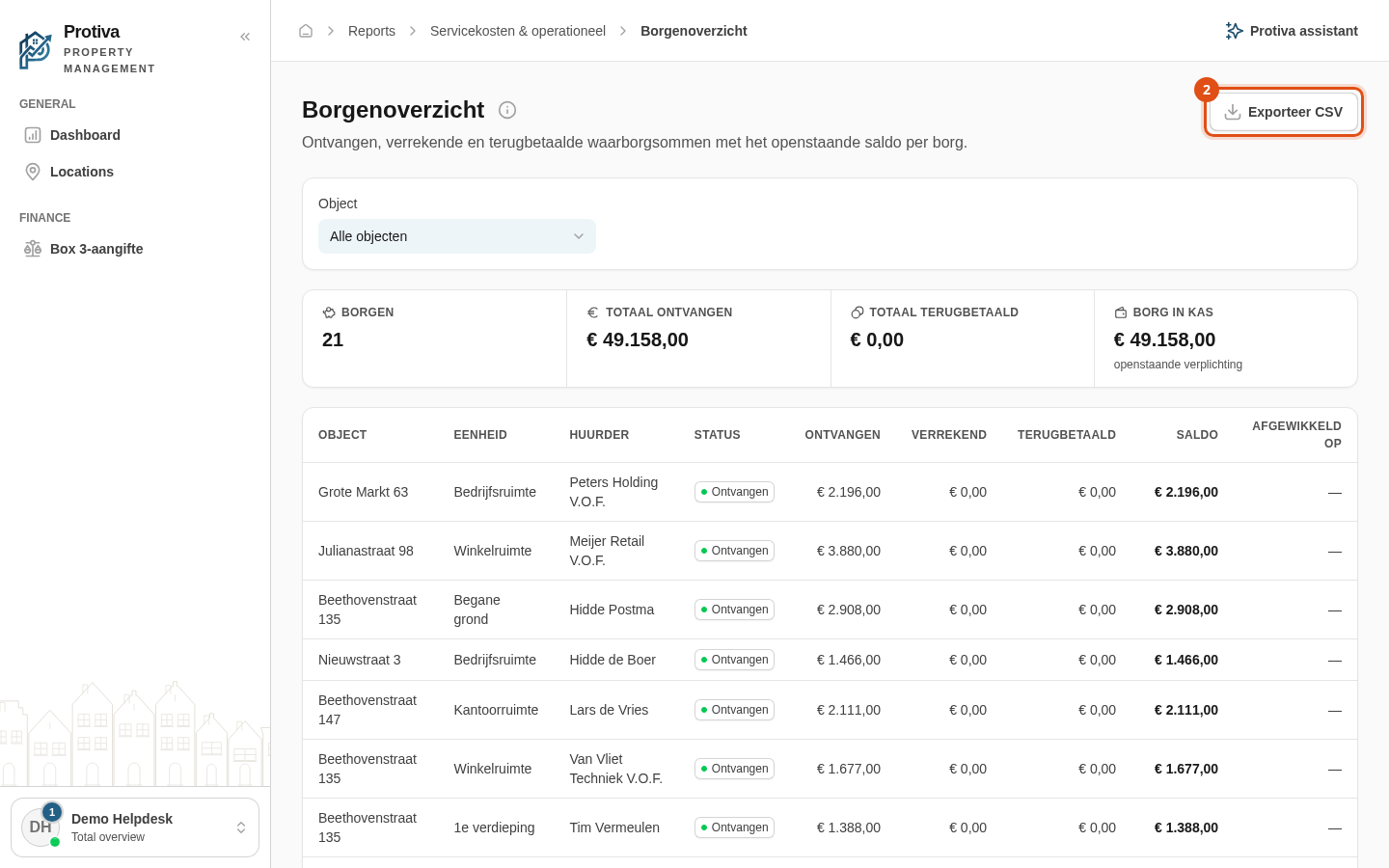
Export deposit overview as CSV
Export the deposit overview as a CSV file so you can process the data in Excel or another application.
Export the deposit overview
Go to Reports;
- Click Exporteer CSV. The CSV file is downloaded immediately.
The file contains the columns Object, Eenheid, Tenant, Status, Derdengeld, Gevraagd, Ontvangen, Verrekend, Terugbetaald, Saldo, Ontvangen op and Afgewikkeld op. Numbers use a comma as decimal separator so Excel recognises them correctly.