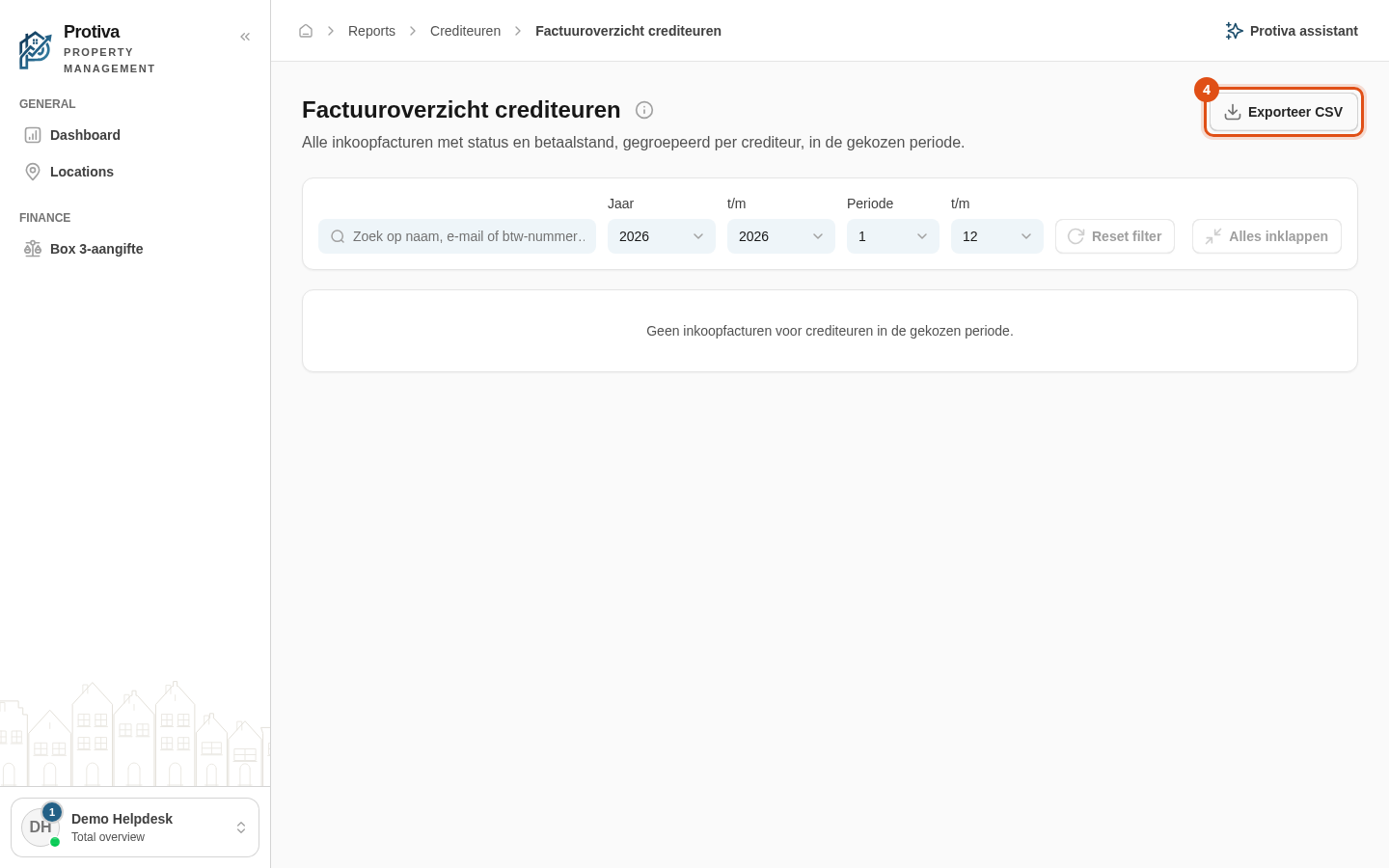
Export the creditor invoice overview as CSV
Export the creditor invoice overview as a CSV file so you can process the data in Excel or another application. The file contains all invoice lines of the filtered creditors, including amount, paid, open and costs.
Export the overview
Go to Reports;
- Open the creditor invoice overview;
- Optionally set the desired period and search query so that only the relevant creditors are visible;
- Click Exporteer CSV.
The CSV file is downloaded immediately. The file name contains the selected year range. The file uses a semicolon as delimiter and opens correctly in Excel.